ประสิทธิภาพของทีม
The Team Performance report in the Recruitment app shows how many applicants each recruiter manages and what stage their applicants are at.
This information is determined by the individuals populating the Recruiter field on each applicant form.
ดูรายงาน
To view the Team Performance report, navigate to .
For each recruiter, the number of In Progress, Hired, and Refused applicants is displayed in a default (Bar Chart) view. The default Last 365 Days Applicant filter shows all applicants for the last 365 days.
เลื่อนเคอร์เซอร์ไปเหนือคอลัมน์ใดก็ได้เพื่อดูหน้าต่างป๊อปโอเวอร์ที่แสดงรายละเอียดเฉพาะสำหรับคอลัมน์นั้น

มุมมองตารางสรุปข้อมูล
For a more detailed view of the information in the Team Performance report, click the (Pivot) icon. This displays all the information in a pivot table.
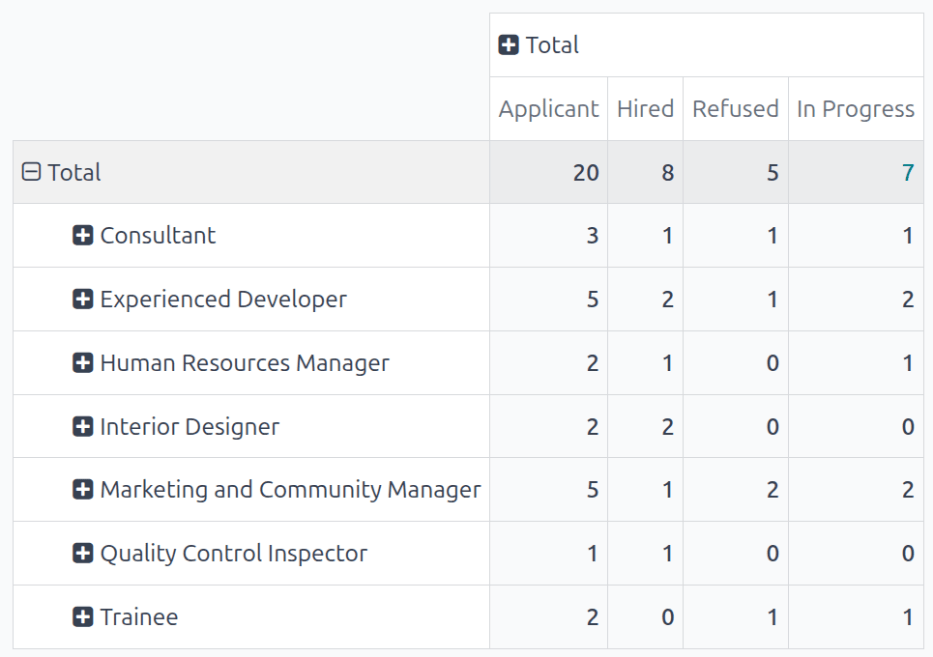
In this view, the recruiters populate the rows, while the columns are populated with the number of applicants in each stage. Each column displays the total number of applicants who are still In Progress, have been Hired, or have been Refused. The last column, Applications, is the total number of applicants across all stages for that recruiter.
In this example, there are 59 applicants in total. Of those 59, 17 have been hired, 18 have been refused, and 24 are still in the recruitment process.
Based on the data presented, John Doe is the most successful recruiter, with a total of eight hires, while Carol Bishop has the fewest hires, with only three.