
Google reserve integration
Google Reserve lets customers book appointments directly from Google Search, Google Maps, and the Google Assistant. By connecting Odoo Appointments to Google Reserve, bookings are added directly into Odoo without customers needing to visit the company website.
Configuration
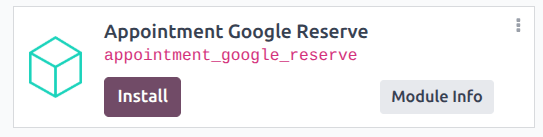
First, navigate to the Apps application. Then, remove the Apps filter from
the search bar and type in Google. Click Install on the Appointment Google
Reserve module.
Next, navigate to the application. Open an existing appointment type, or click New to create a new one. Then click the Google Bookings tab.
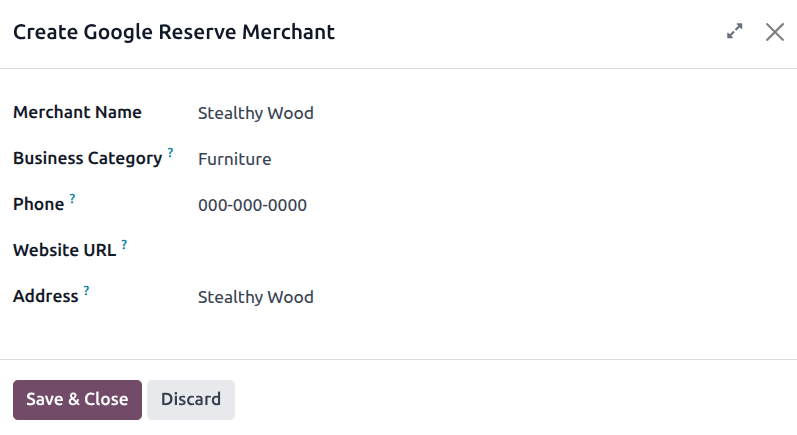
Click the Google Reserve Merchant field, and select an option from the drop-down, or click Create to open the Create Google Reserve Merchant form.
On the form, enter all required information. The business address must match exactly what appears on Google Maps. Click Save & Close.
Once the new merchant has been created, click Synchronize with Google Reserve. The initial synchronization can take up to 24 hours to propagate to Google’s systems.
Important
Ensure that the business address matches the Google Maps listing precisely, including formatting and unit numbers. Mismatches may cause synchronization to fail or prevent the listing from appearing on Google.