dear all,
I found no solution to switch to the main menu with icons only - I always stay in the kanban style apps view (with "learn more", "upgrade" etc). what must I do to activate main icon menu ?
thanks, regards, hj

Odoo is the world's easiest all-in-one management software.
It includes hundreds of business apps:

dear all,
I found no solution to switch to the main menu with icons only - I always stay in the kanban style apps view (with "learn more", "upgrade" etc). what must I do to activate main icon menu ?
thanks, regards, hj
dear Chris, again thanks for your answer !!
this clarifies my question - and helps a lot !!
best regards, thanks again, Hans-Jürgen

The Apps menu has Kanban and List View, whilst the main system menu has icons for installed apps.
This is the list of apps (and modules if you remove the filter), showing app names:
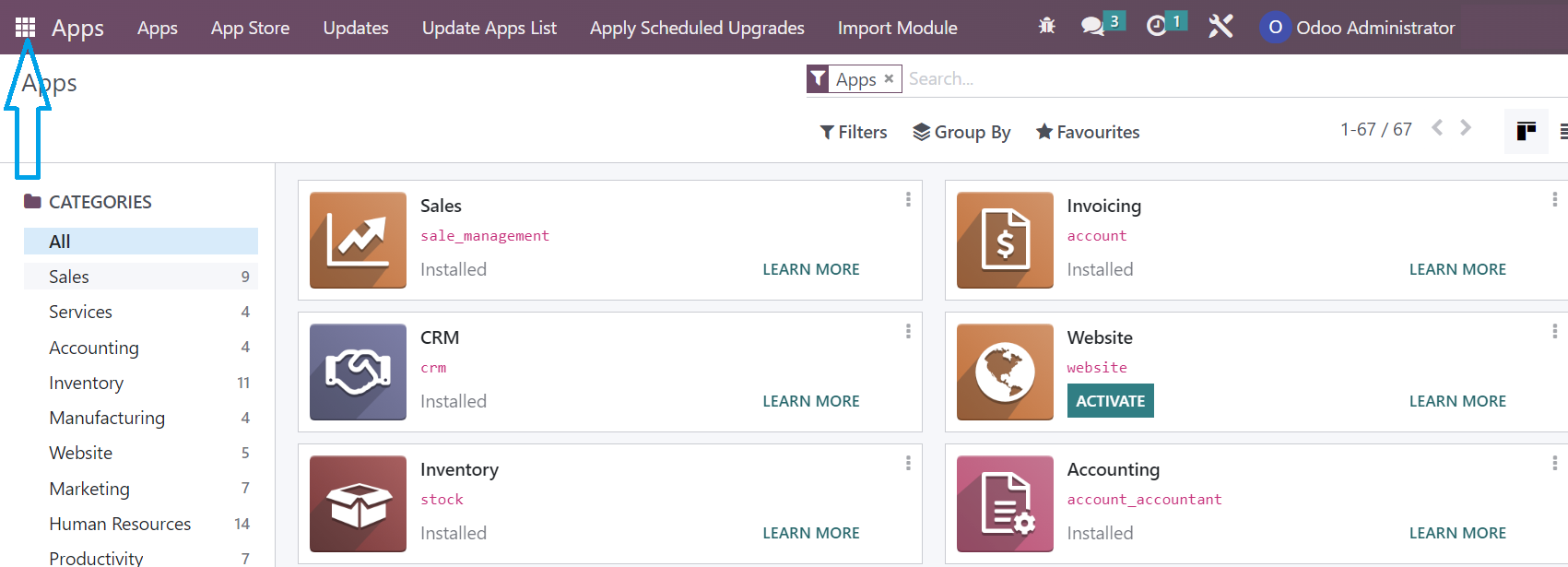
Clicking in the top left (from anywhere in Odoo Enterprise) takes you to the main menu with all the app icons

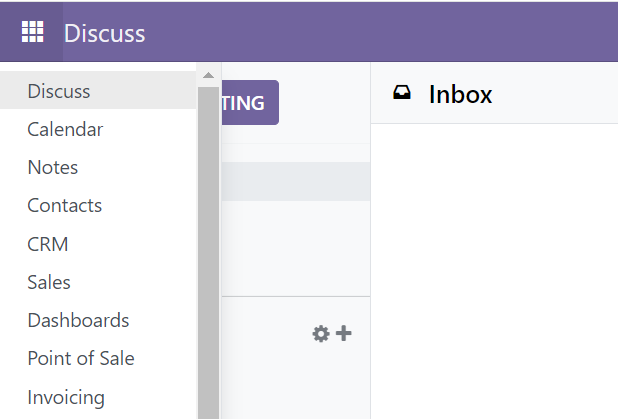
Odoo Community does not have the same UI, and instead there is a menu bar with installed apps:
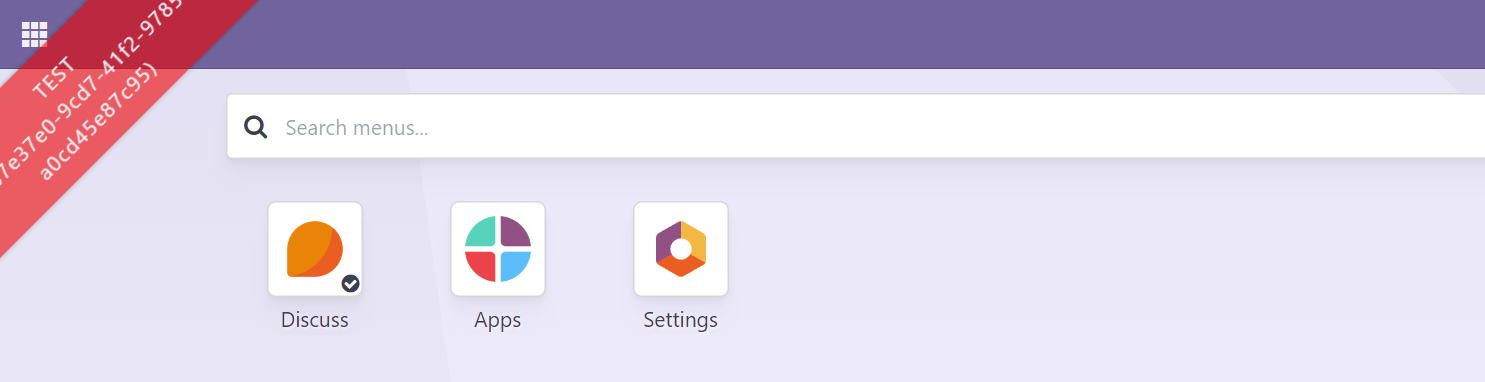
But this OCA add-on adds back the same menu for Community:
I had missed the hint that you were using Community. Answer now updated.
Create an account today to enjoy exclusive features and engage with our awesome community!
Sign up
1. Use the live chat to ask your questions.
2. The operator answers within a few minutes.
