Mobile devices
Desktops & laptops
Printers
Scanners
And more...
shop easily

Solid tools to
run your shop
Bring Odoo's integrated POS tools to your store
and make it easier and more efficient than ever.
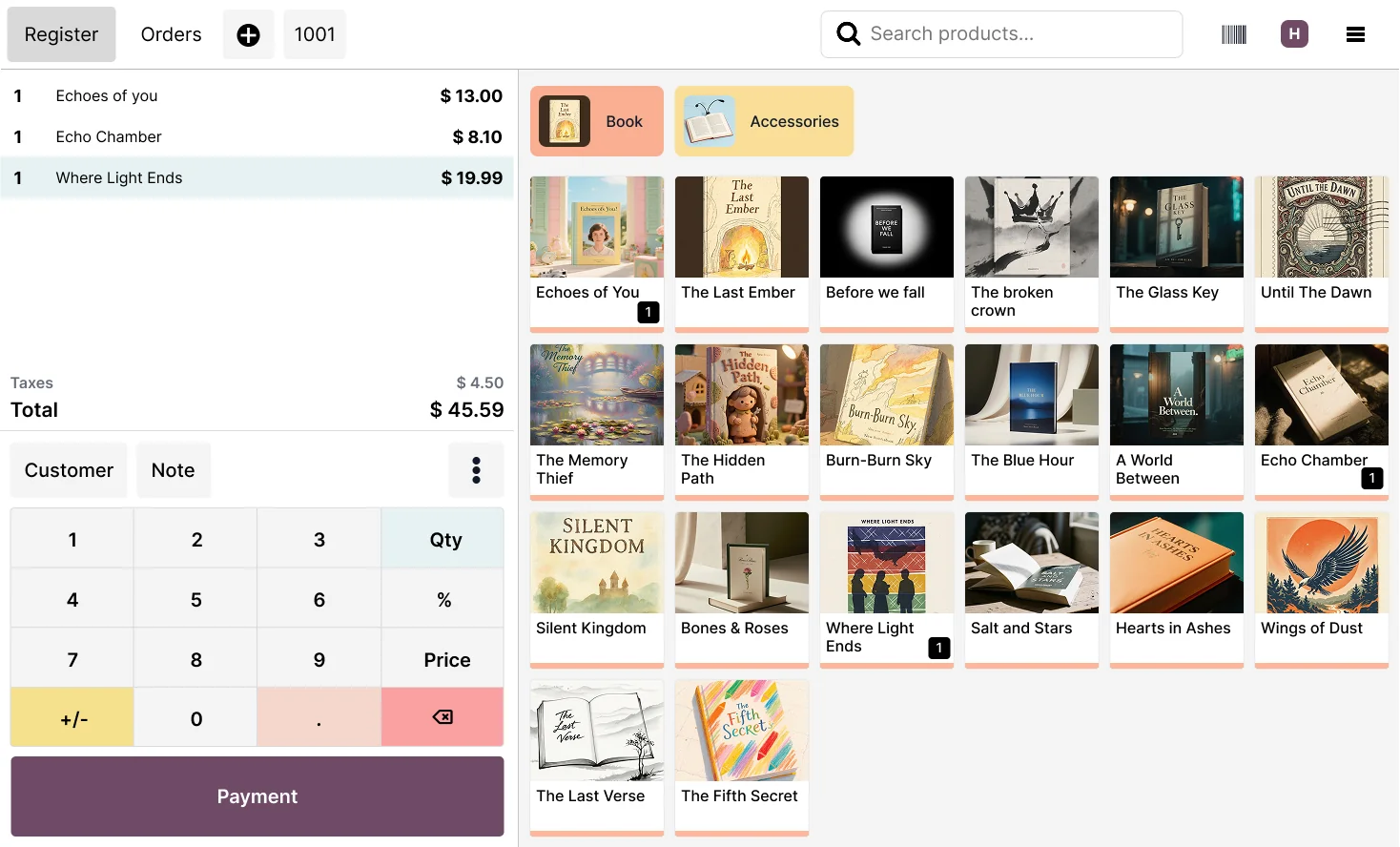
Use the POS app anytime,
on any device!
Odoo POS runs smoothly on desktop, laptop, tablet or smartphone allowing you to manage sales efficiently from anywhere.
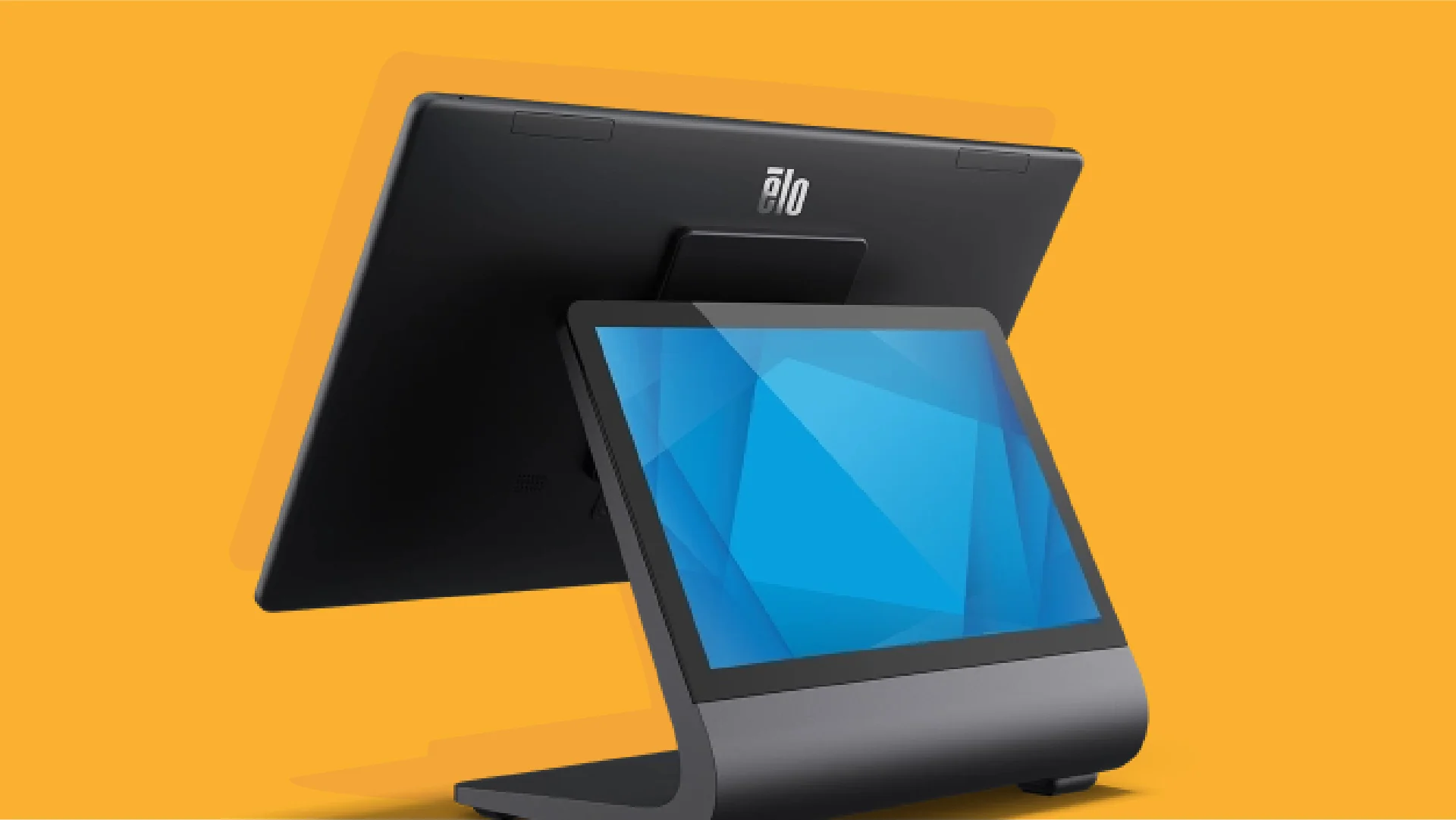
Industrial touchscreens
Works with any industrial touchscreen device.
Including EloPOS™.
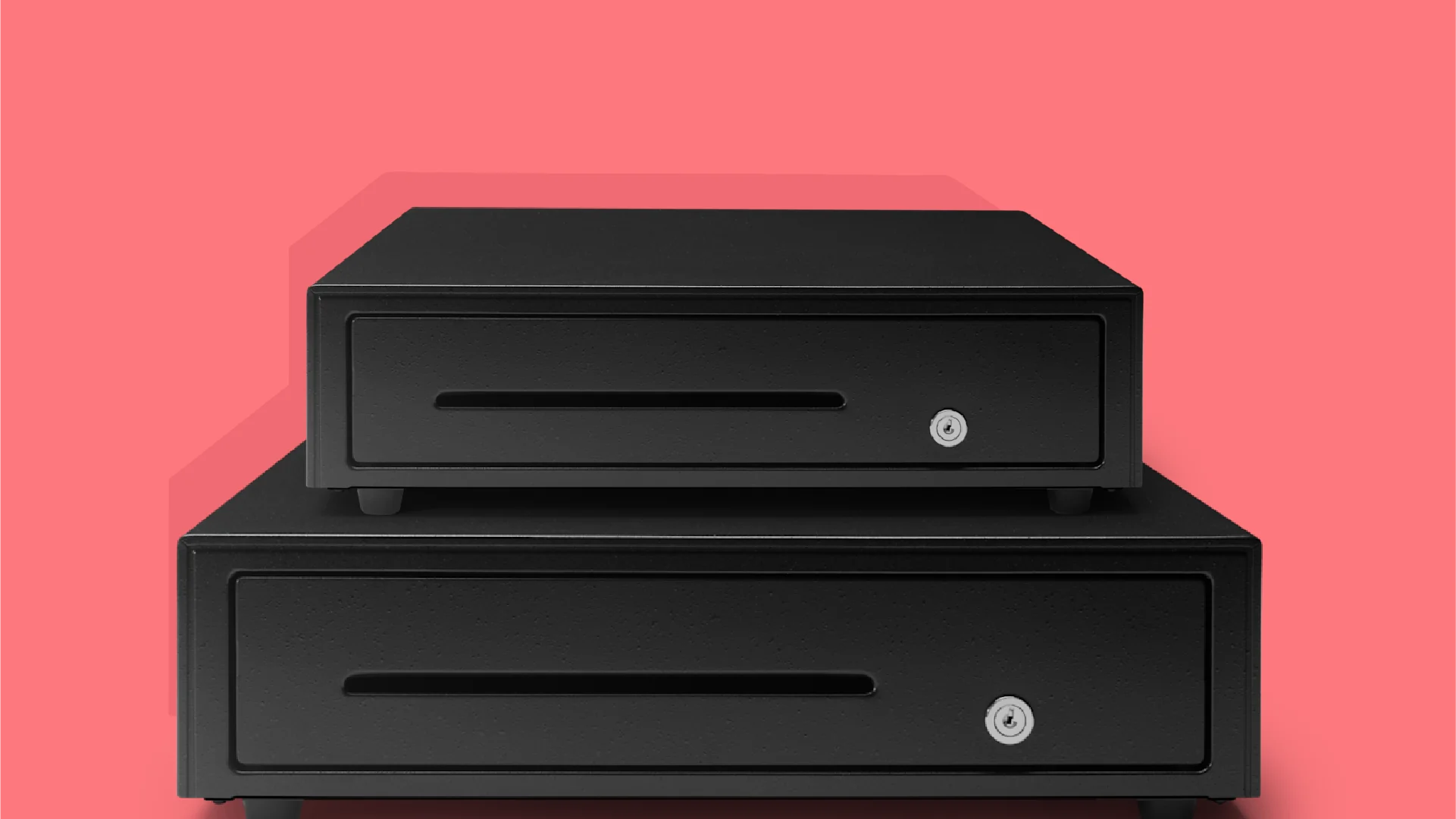
Cash registers
Connect a cash register to Odoo.
Any cash register, linked to your printer.
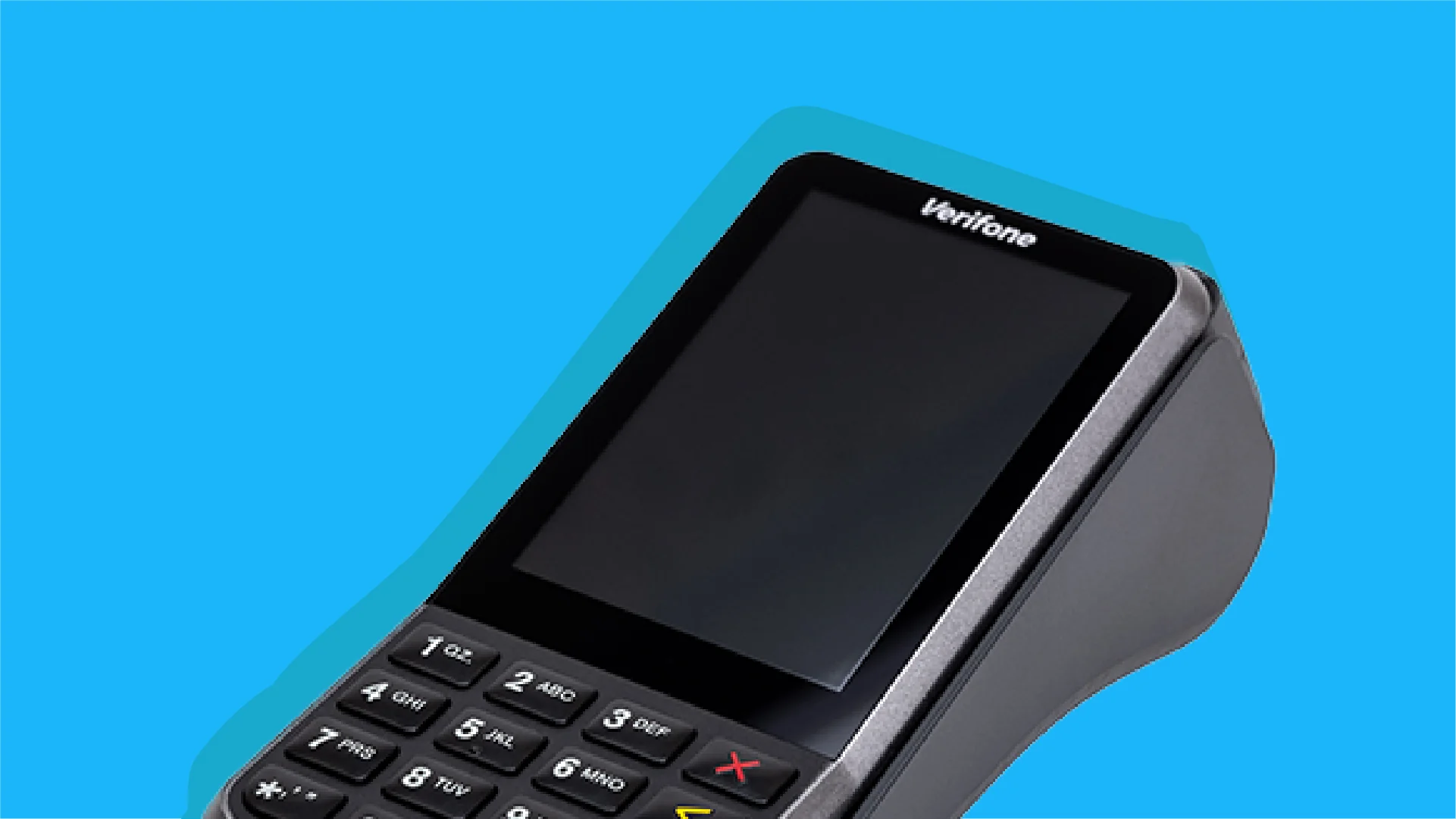
Payment terminals
Accept all payment methods with an integrated payment terminal from many providers.
Odoo POS continues to work even without an internet connection.
Fully ready for
advanced hardware
No worries, Odoo is fully compatible
with the essential hardware you use to run your business.
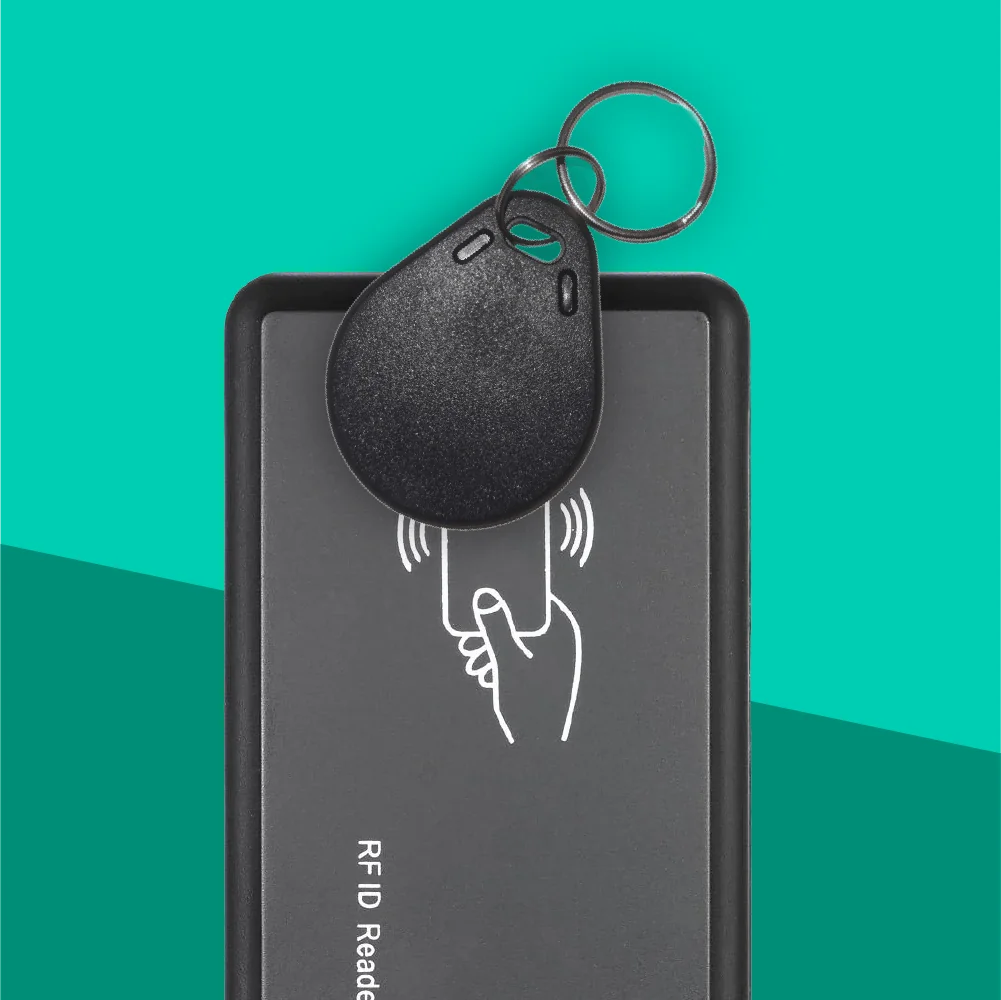
RFID Readers
Give your staff instant POS access. A quick tap is all it takes to log in and serve faster.
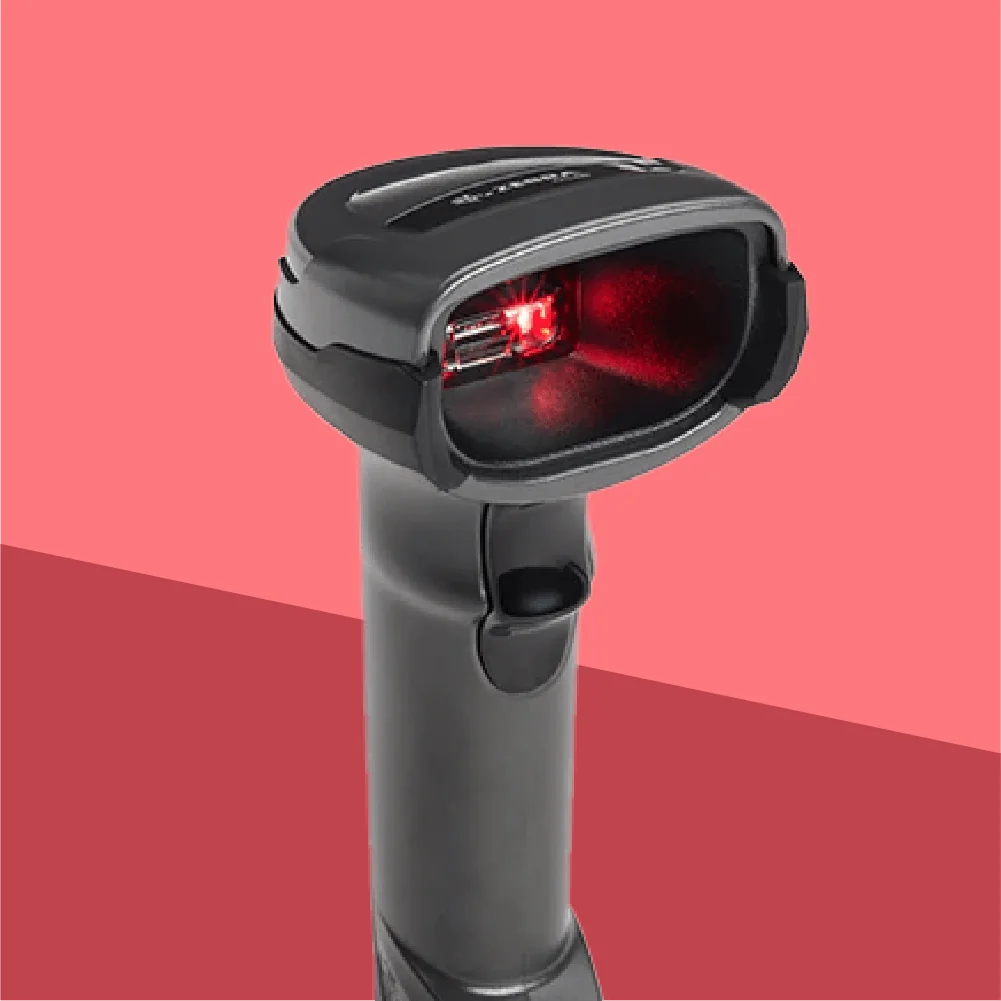
Barcode scanners
Barcode scanners are essential for busy shops. One quick scan, and the product is in the cart!
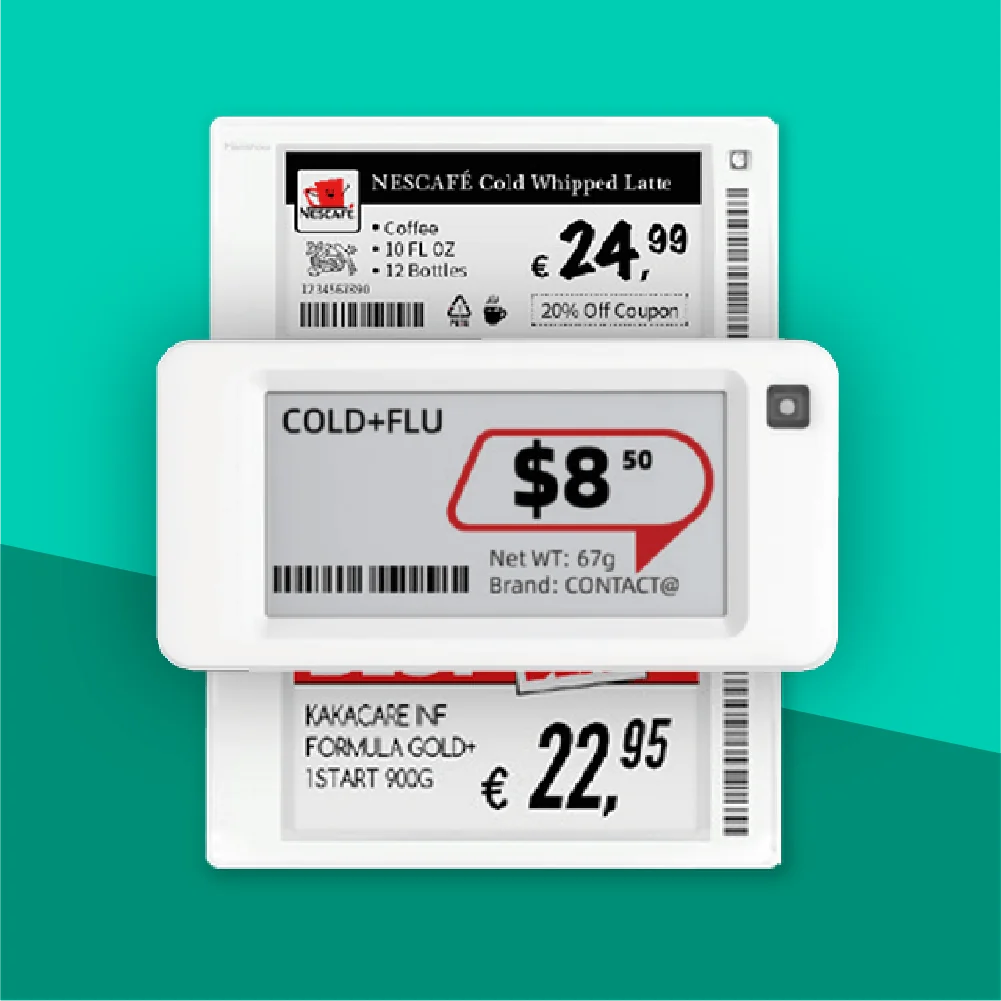
Electronic shelf labels
Display your product information on connected electronic labels and enjoy the convenience of automatic updates!
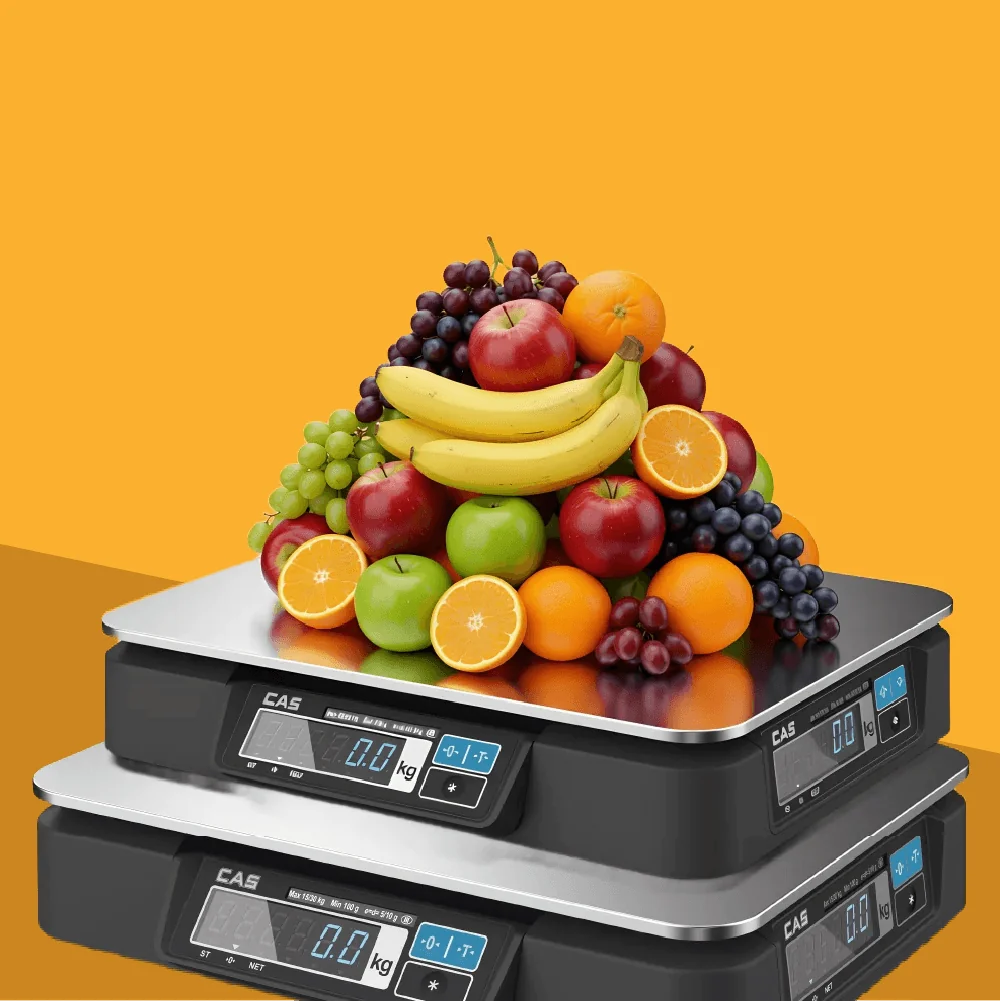
Weighing scales
Connect an integrated electronic scale to weigh the product and compute its cost in real time.
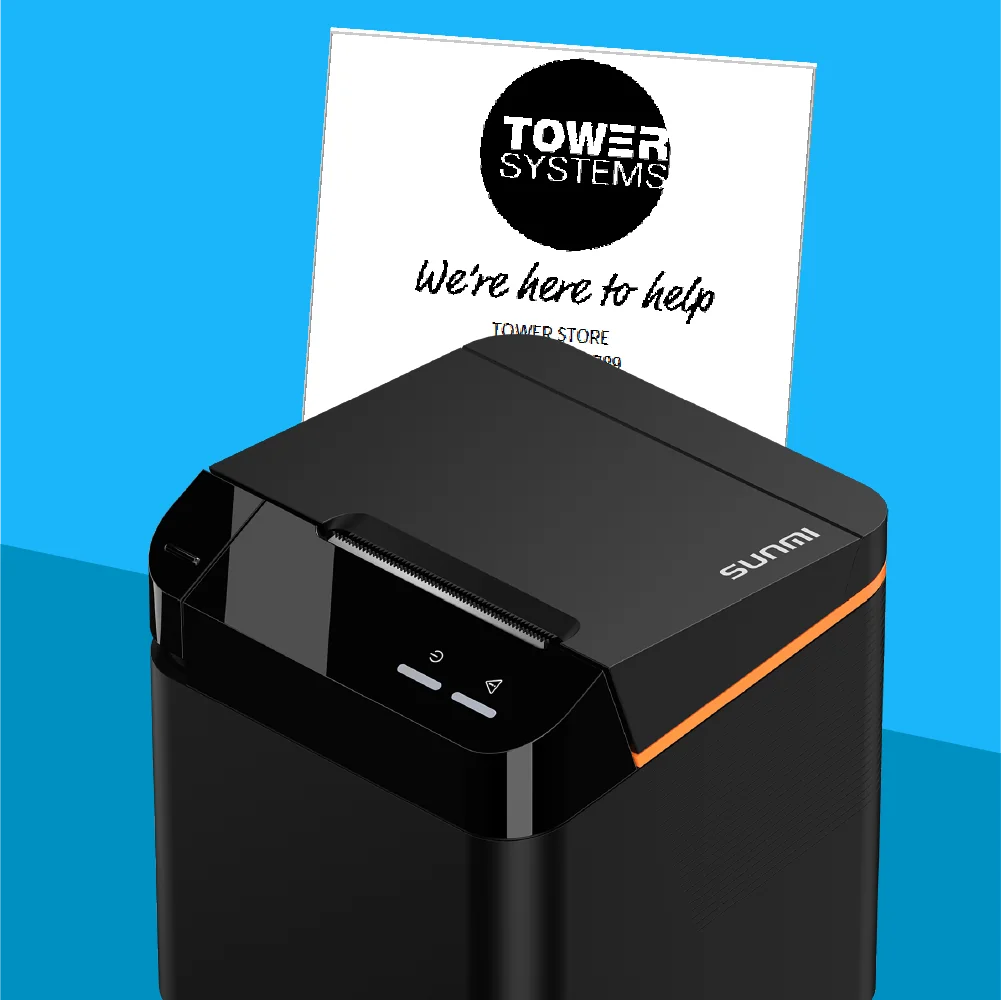
Receipt printers
Print receipts with wireless printers, there is no need for the printer to be near your point of sale!
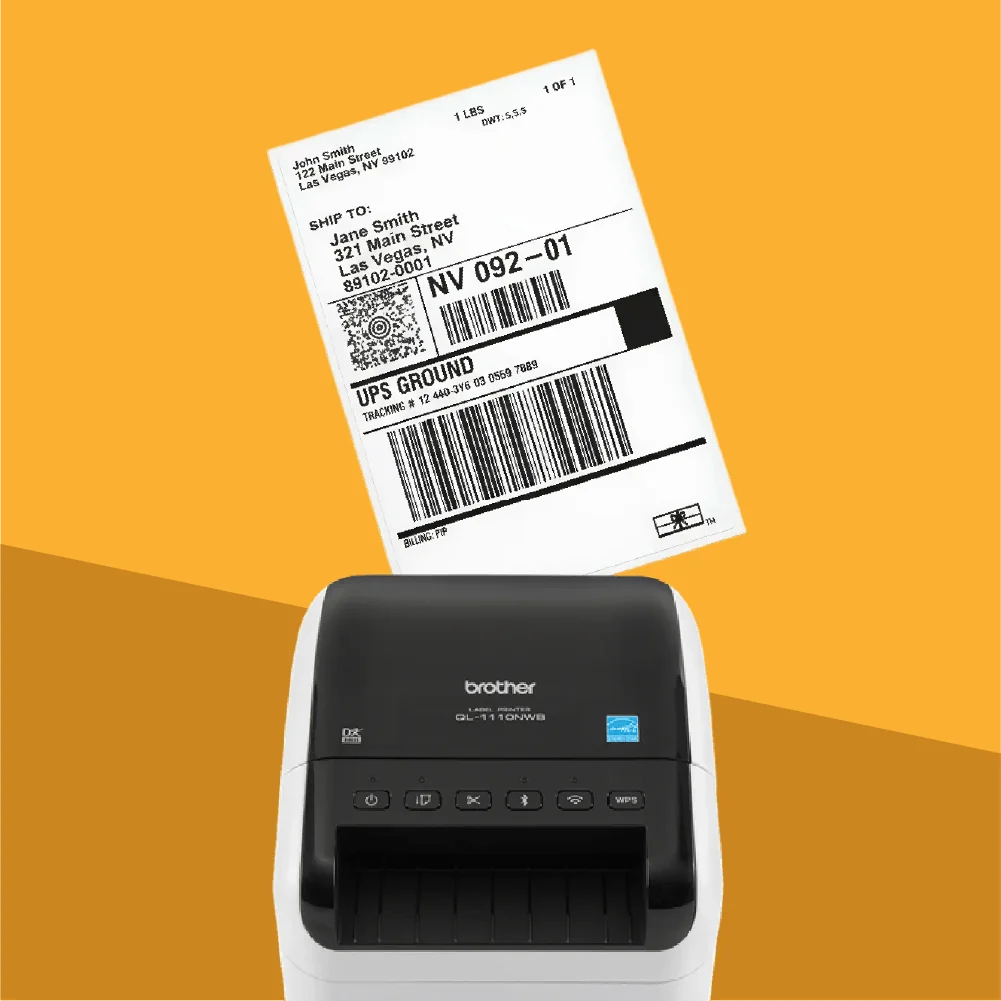
Label printers
Print labels with all your product information: product name, price, and barcode.
Connect devices to Odoo
When a device isn’t natively supported,
Odoo’s IoT solutions ensure full integration.
Physical solution
Easily connect your POS to any hardware with Odoo's physical IoT Box. Everything from printers and scanners to scales and cash drawers works perfectly on all devices.
Learn more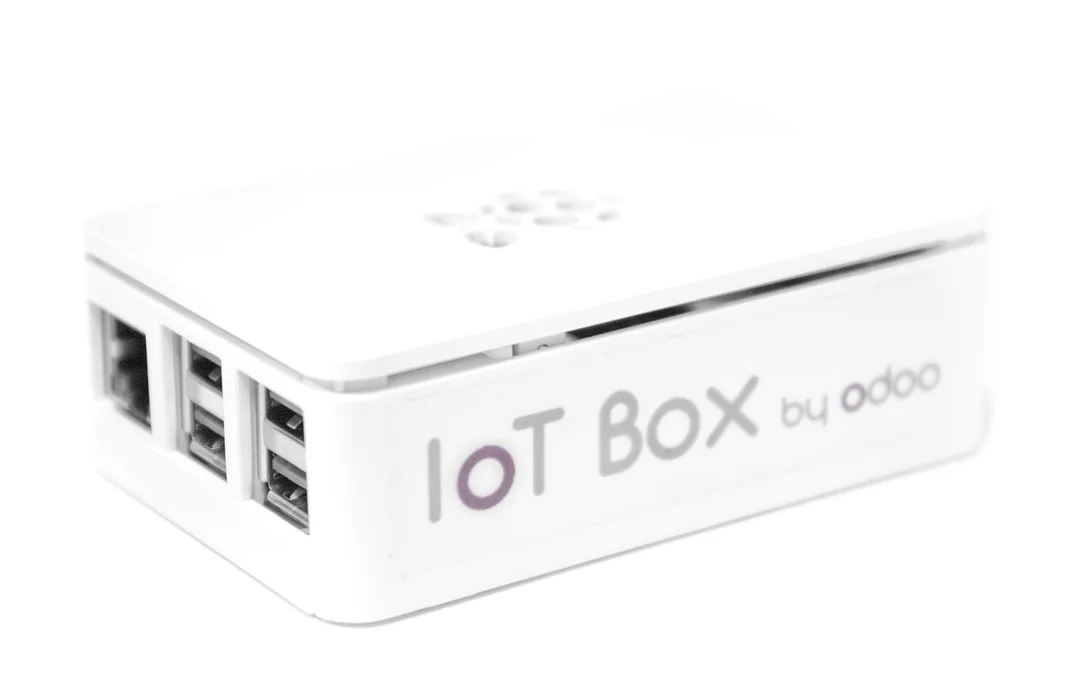

Virtual solution
No extra hardware needed. The virtual IoT Box works perfectly with Windows and keeps your POS connected wherever you are.
Learn more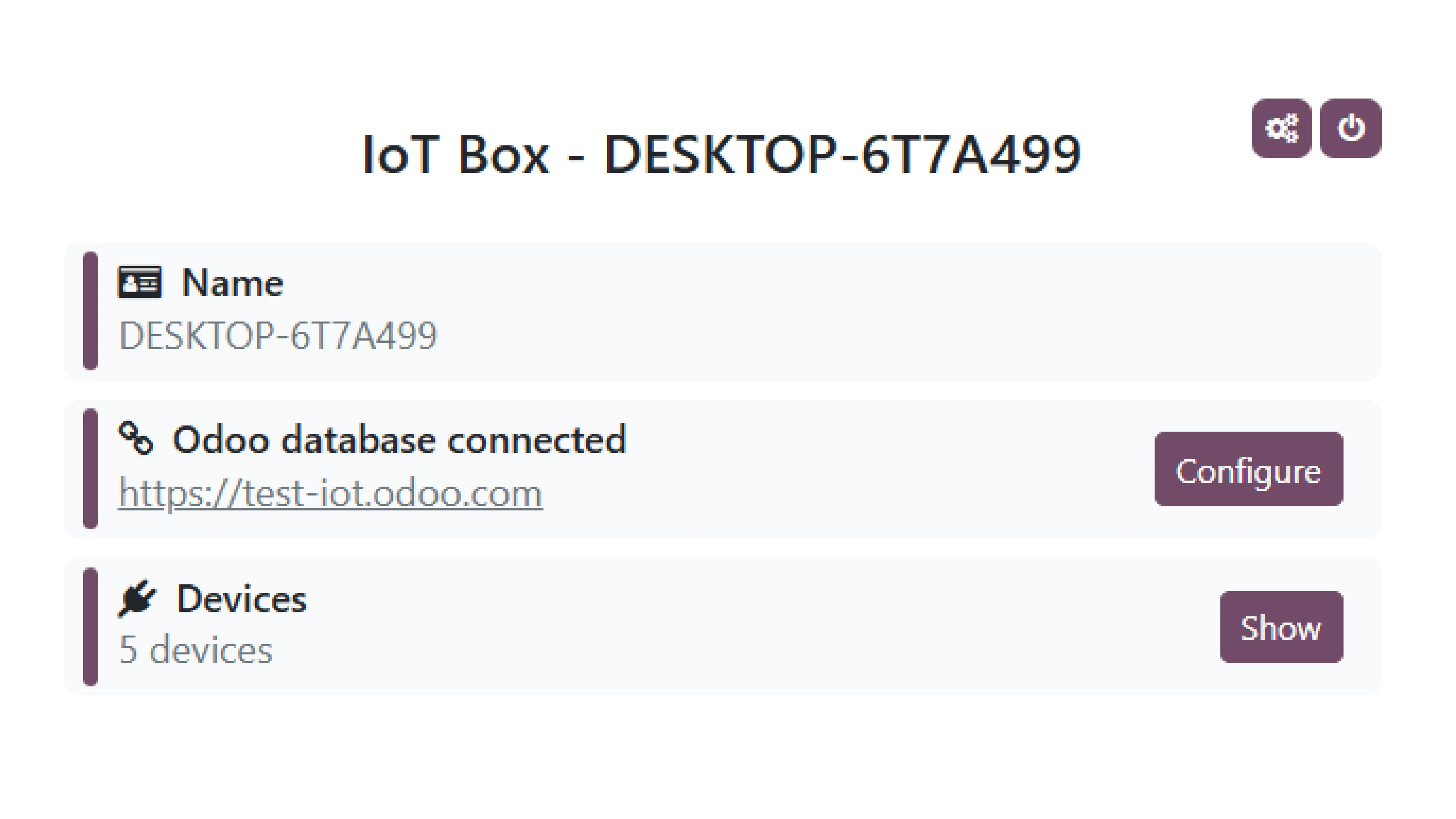
Any questions left?
We support all ZPL-based Zebra label printers, such as the Zebra ZD410 and ZD420. Printing will start automatically.
While other USB label printers will be detected by our system, the report template will require adjustments to match the printer's specific paper size.
Printing is initiated manually through the web browser's print dialog. Please note that an IoT Box is required for all label printers.
Yes! Odoo POS is designed to function seamlessly in offline mode. You can continue processing sales, managing inventory, and performing other essential tasks even when your internet connection is temporarily unavailable. Once the connection is restored, all offline transactions will automatically sync with the server.
You can print as long as the Point of Sale and the printer are connected to the same local network (Wi-Fi/Ethernet).
The IoT Box acts as a bridge between your Odoo Point of Sale and the hardware devices you want to connect, such as printers, scanners, and cash drawers. It enables seamless communication and ensures that your POS can interact with these devices effectively.
Various payment terminal combinations are possible on an Odoo Point of Sale:
- Adyen-Adyen
- Adyen-Ingenico
- Adyen-SIX
- Ingenico-Ingenico
- Ingenico-SIX
Additionally, the same Adyen or Ingenico payment terminal can be used with another Point of Sale.
Since Odoo Point of Sale v13, it is no longer necessary to have one IoT Box per Point of Sale, because the dropdown menu in the IoT configuration menu allows you to manually select specific hardware for multiple Points of Sale (with a few exceptions, such as an Ingenico payment terminal).
You can run Odoo Point of Sale on any device with a modern web browser, such as Google Chrome, Mozilla Firefox, Safari, or Microsoft Edge. This includes desktops, laptops, tablets, and smartphones. For the best experience, we recommend using a device with a stable internet connection and sufficient processing power to handle your POS operations smoothly.
Since 2020, the IoT Box (based on a Raspberry Pi 4) features two HDMI ports, allowing you to connect two additional screens besides the main cash register display (for example, one for customers and another for promotions).
