
While trying to figure out how to work with Studio, I created too many fields of the same type, as shown in the image. Is there a way I can delete the ones I don’t need?

Odoo is the world's easiest all-in-one management software.
It includes hundreds of business apps:

While trying to figure out how to work with Studio, I created too many fields of the same type, as shown in the image. Is there a way I can delete the ones I don’t need?

Hello,
Here are the steps to follow:
1- Open Studio and remove the fields you want to delete from all views (Form, Tree, Kanban, etc.).
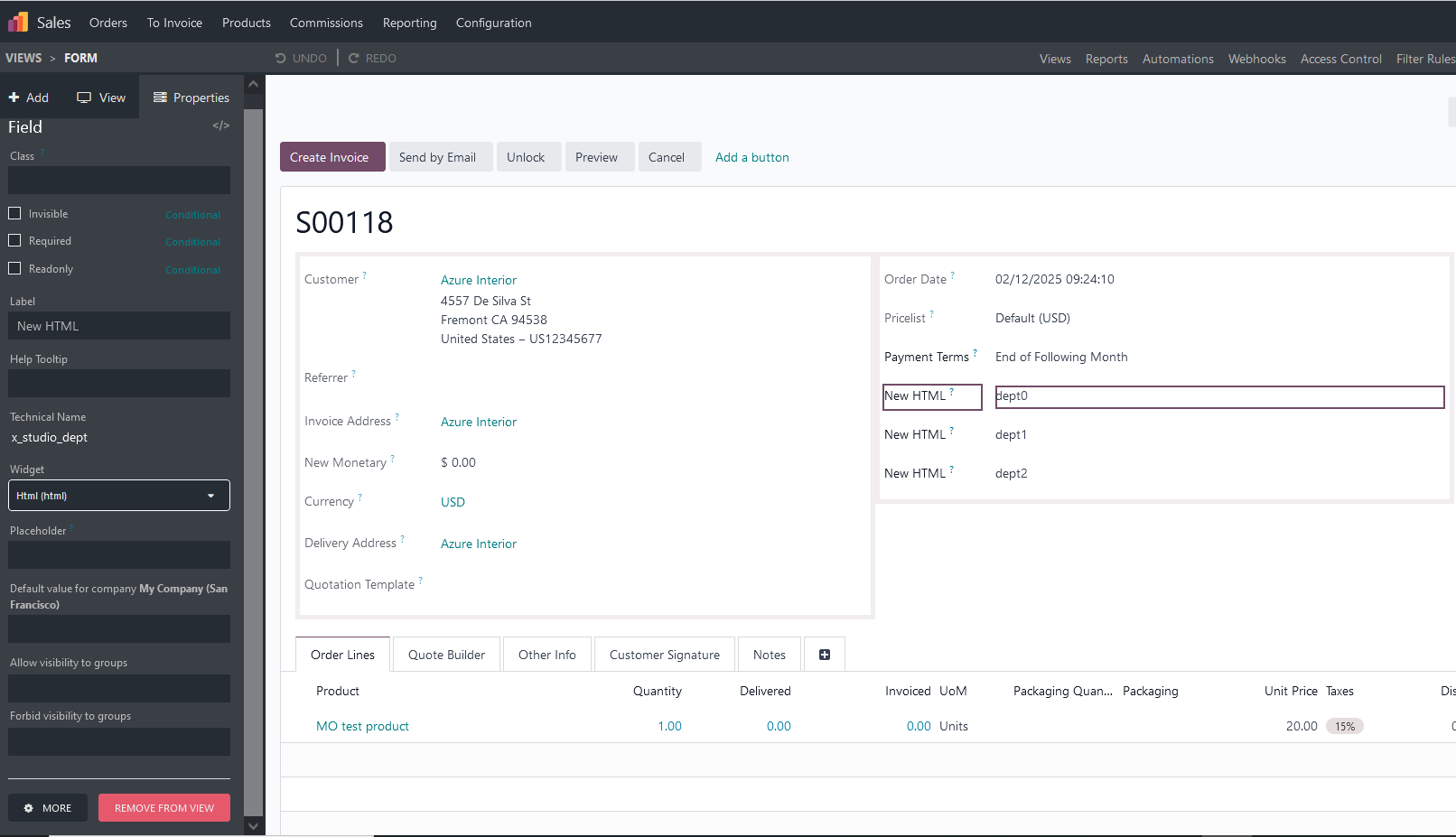
2- Enable developer mode
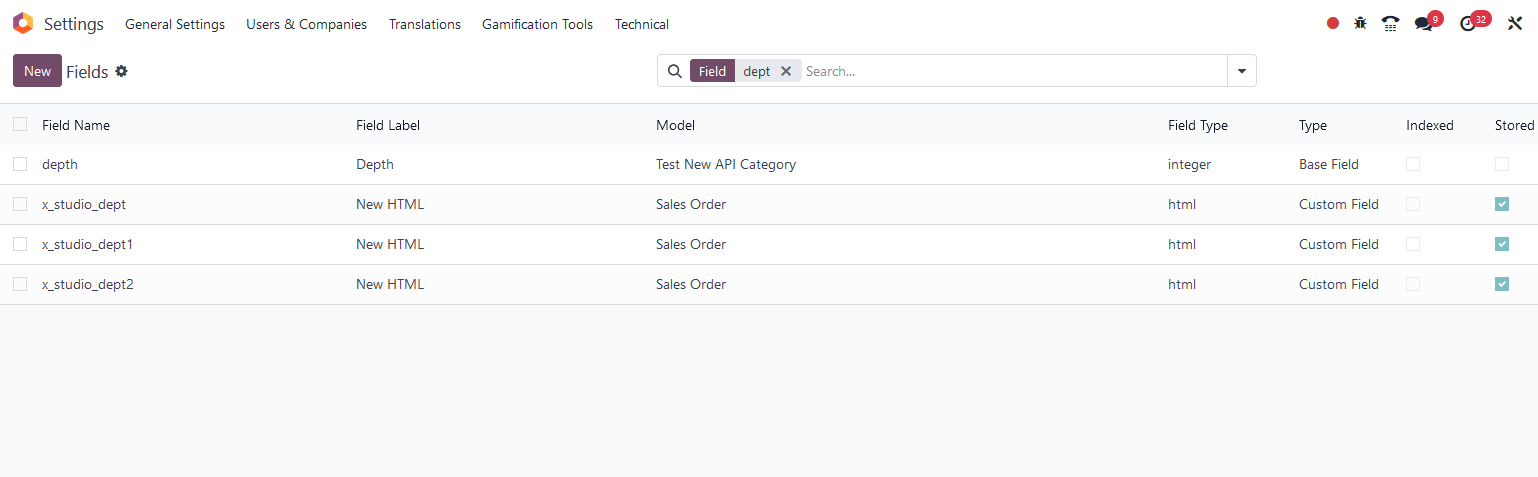
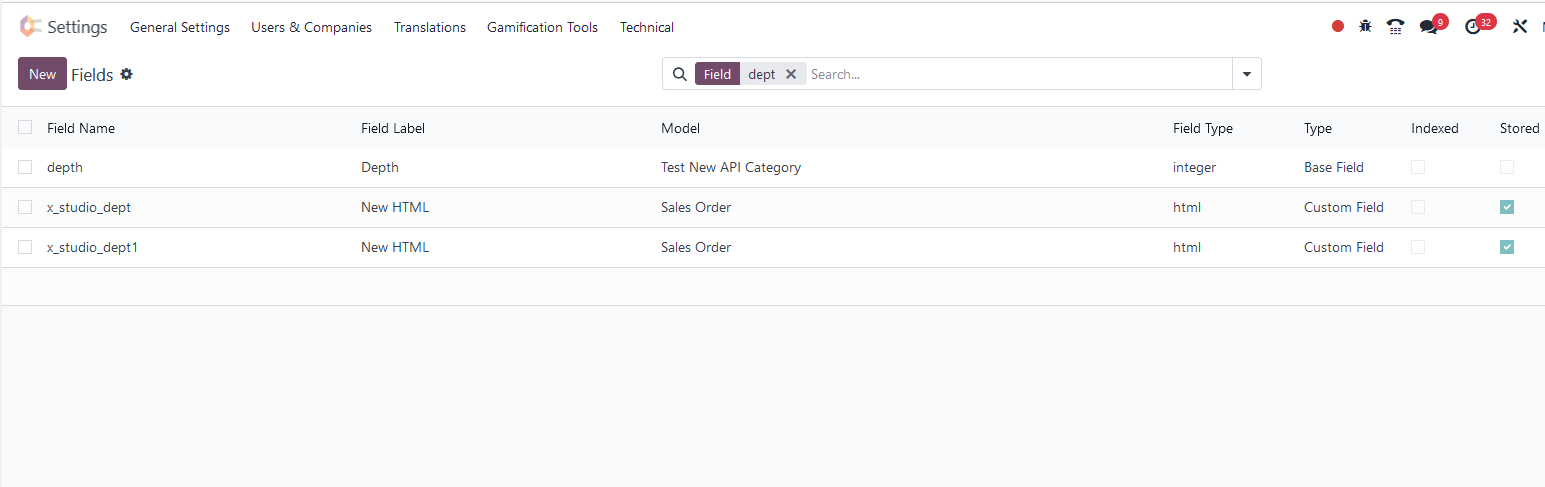
3- Navigate to Technical → Fields, select the field you want to delete, and remove it
Before:
After:
Thanks

It's so simple.
Создайте аккаунт сегодня, чтобы получить доступ к эксклюзивным функциям и стать частью нашего замечательного сообщества!
Регистрация| Похожие посты | Ответы | Просмотры | Активность | |
|---|---|---|---|---|


|
1
янв. 22
|
4387 | ||

|
0
дек. 15
|
6498 | ||

|
0
мар. 15
|
5460 | ||


|
1
нояб. 24
|
3851 | ||


|
1
авг. 23
|
3824 |
1. Use the live chat to ask your questions.
2. The operator answers within a few minutes.
