
Hi,
I'm having an issue after configuring the Document Layout at the General Settings. When I'm testing for preview, the header is not displaying on the PDF file. I already installed the wkhtmltopdf on my Docker where my Odoo 18 is running.
Odoo is the world's easiest all-in-one management software.
It includes hundreds of business apps:
- CRM
- e-Commerce
- Akuntansi
- Inventaris
- PoS
- Project
- MRP
Pertanyaan ini telah diberikan tanda
3
Replies
1928
Tampilan

report.url = http://0.0.0.0:8069
Adding this in the Technical > System Parameter solved the issue

Hi,
1-You can add your header(image) in the logo section. It will display on the report header.
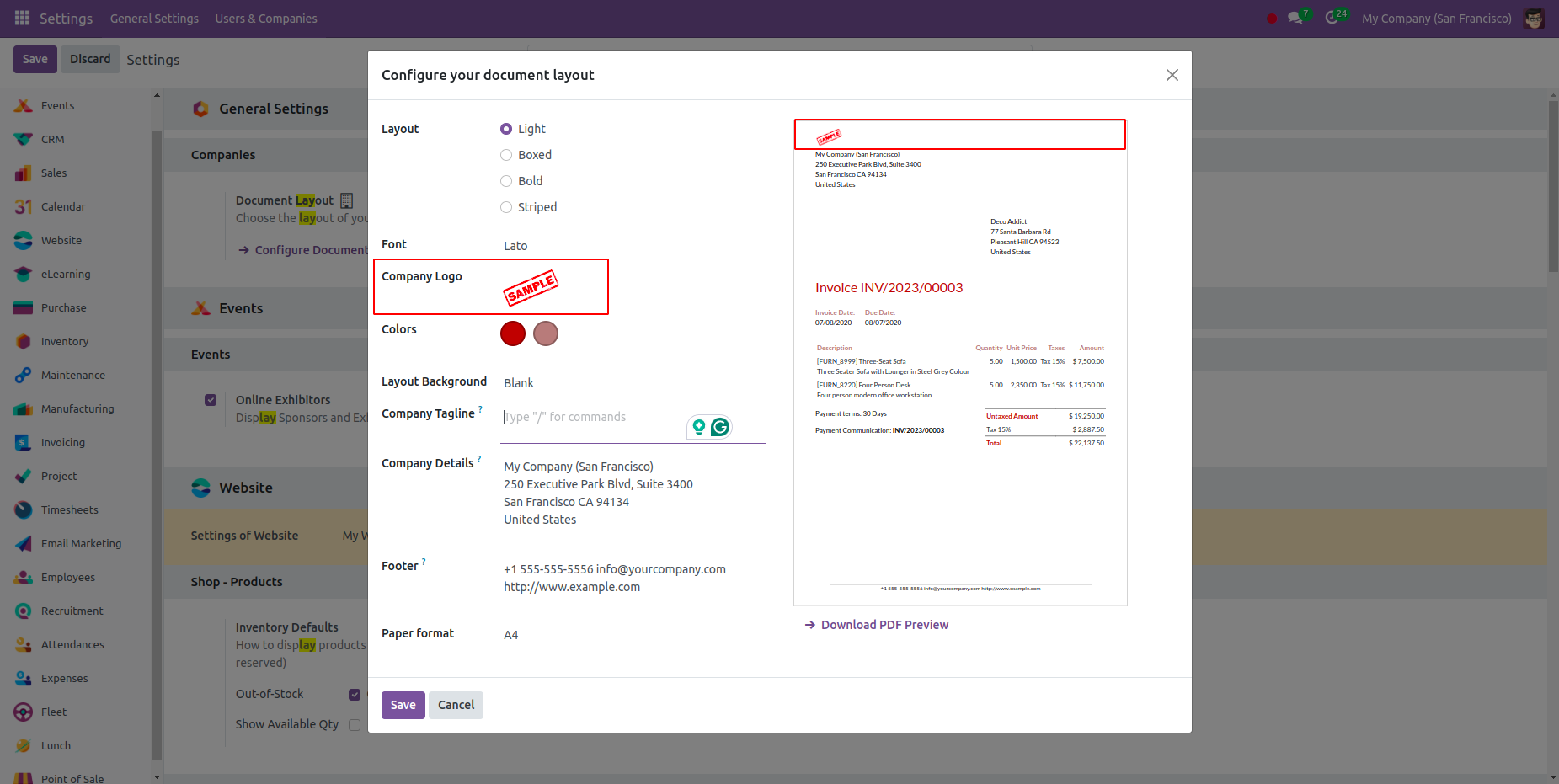
2- Otherwise, the company logo is taken as the report header.
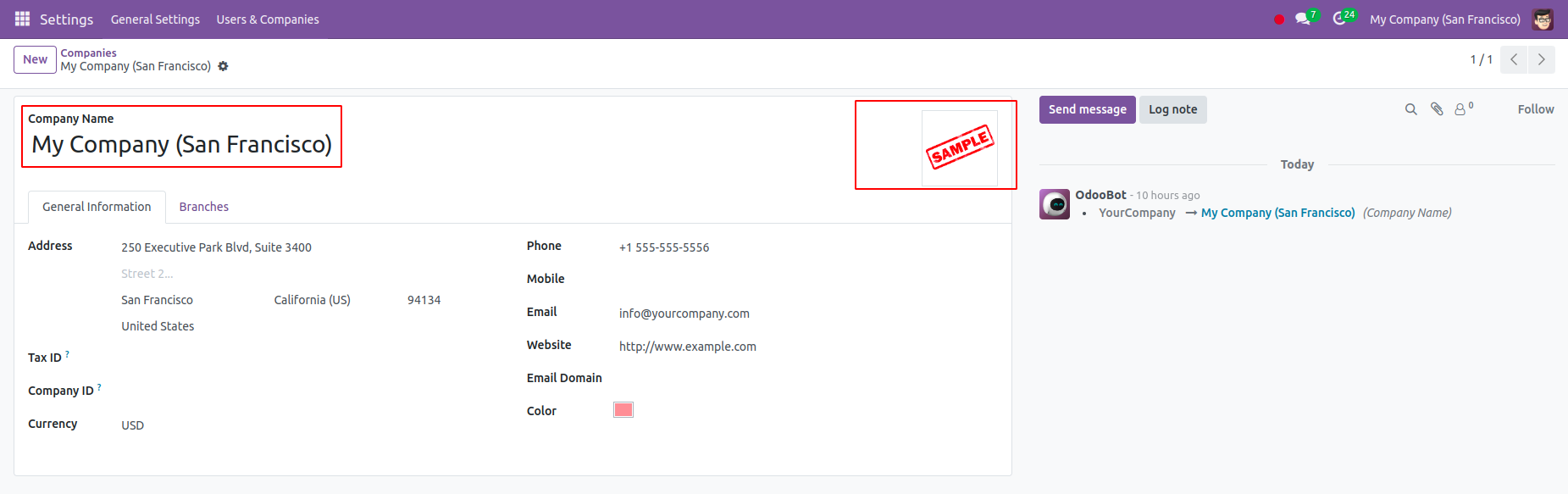
Hope it helps.
Thank you for this, but I have already done it. The issue arises when printing the actual quotation. During the configuration of the Document layout, it is displayed as intended.
Menikmati diskusi? Jangan hanya membaca, ikuti!
Buat akun sekarang untuk menikmati fitur eksklufi dan agar terlibat dengan komunitas kami!
Daftar| Post Terkait | Replies | Tampilan | Aktivitas | |
|---|---|---|---|---|


|
3
Nov 25
|
904 | ||

|
0
Nov 25
|
1175 | ||
|
How do I set up budget management / planning
Diselesaikan
|


|
2
Agu 25
|
1264 | |


|
1
Mei 25
|
2417 | ||

|
0
Apr 25
|
3496 |
