

I am getting an error "There is no Chart of Accounts configured on the company. Please go to the invoicing settings to install a Chart of Accounts" when creating a POS
Odoo is the world's easiest all-in-one management software.
It includes hundreds of business apps:
- 客戶關係
- e-Commerce
- 會計
- 庫存
- PoS
- 專案管理
- MRP

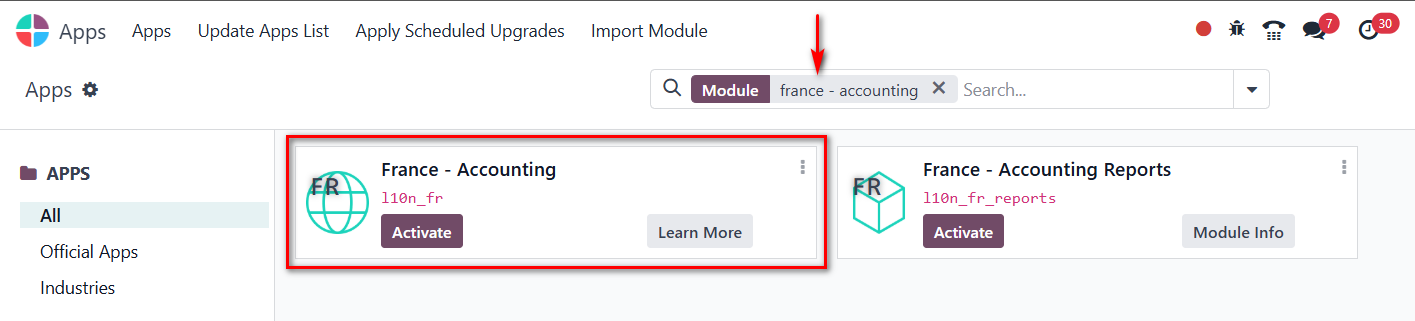

To create a Chart of Accounts in your Invoicing settings, go to Settings → Chart of Accounts → Create. Add a new account by choosing the Account Type (like income, expense, or liability), enter a clear Account Name, and save it. Once added, you can assign these accounts to products, taxes, or journals in your invoicing setup to ensure every transaction posts correctly.
Thank issue was resolved