Skip to Content
Odoo मेन्यू
  • Sign in
  • मुफ़्त में आज़माएं
  • ऐप्लिकेशन
    फ़ाइनेंस
    • अकाउंटिंग
    • इनवॉइसिंग
    • एक्सपेंस
    • स्प्रेडशीट (बीआई)
    • डॉक्यूमेंट्स
    • साइन
    सेल्स
    • सीआरएम
    • सेल्स
    • पीओएस शॉप
    • पीओएस रेस्टोरेंट
    • सब्सक्रिप्शन
    • रेंटल
    वेबसाइट
    • वेबसाइट बिल्डर
    • ई-कॉमर्स
    • ब्लॉग
    • फ़ोरम
    • लाइव चैट
    • ई-लर्निंग
    सप्लाई चेन
    • इन्वेंट्री
    • मैन्युफ़ैक्चरिंग
    • पीएलएम
    • परचेज़
    • मेंटेनेंस
    • क्वालिटी
    मानव संसाधन
    • कर्मचारी
    • रिक्रूटमेंट
    • टाइम ऑफ़
    • अप्रेज़ल
    • रेफ़रल
    • फ़्लीट
    मार्केटिंग
    • सोशल मार्केटिंग
    • ईमेल मार्केटिंग
    • एसएमएस मार्केटिंग
    • इवेंट
    • मार्केटिंग ऑटोमेशन
    • सर्वे
    सेवाएं
    • प्रोजेक्ट
    • टाइमशीट
    • फ़ील्ड सर्विस
    • हेल्पडेस्क
    • प्लानिंग
    • अपॉइंटमेंट
    प्रॉडक्टिविटी
    • डिस्कस
    • अप्रूवल
    • आईओटी
    • वीओआईपी
    • नॉलेज
    • WhatsApp
    तीसरे पक्ष के ऐप्लिकेशन Odoo स्टूडियो Odoo क्लाउड प्लेटफ़ॉर्म
  • इंडस्ट्री
    रीटेल
    • बुक स्टोर
    • क्लोदिंग स्टोर
    • फ़र्नीचर स्टोर
    • ग्रॉसरी स्टोर
    • हार्डवेयर स्टोर
    • टॉय स्टोर
    Food & Hospitality
    • बार और पब
    • रेस्टोरेंट
    • फ़ास्ट फ़ूड
    • Guest House
    • बेवरिज डिस्ट्रीब्यूटर
    • होटल
    रियल एस्टेट
    • Real Estate Agency
    • आर्किटेक्चर फ़र्म
    • कंसट्रक्शन
    • एस्टेट मैनेजमेंट
    • गार्ड्निंग
    • प्रॉपर्टी ओनर असोसिएशन
    कंसल्टिंग
    • अकाउंटिंग फ़र्म
    • Odoo पार्टनर
    • मार्केटिंग एजेंसी
    • लॉ फ़र्म
    • टैलेंट ऐक्विज़िशन
    • ऑडिट & सर्टिफ़िकेशन
    मैन्युफ़ैक्चरिंग
    • टेक्सटाइल
    • Metal
    • फ़र्नीचर
    • फ़ूड
    • Brewery
    • कॉर्पोरेट गिफ़्ट
    हेल्थ & फिटनेस
    • स्पोर्ट्स क्लब
    • आईवियर स्टोर
    • फिटनेस सेंटर
    • वेलनेस प्रैक्टिशनर
    • फॉर्मेसी
    • हेयर सैलून
    Trades
    • Handyman
    • आईटी हॉर्डवेयर और सपोर्ट
    • Solar Energy Systems
    • Shoe Maker
    • Cleaning Services
    • HVAC Services
    अन्य
    • Nonprofit Organization
    • एन्वायरमेंटल एजेंसी
    • बिलबोर्ड रेंटल
    • फ़ोटोग्राफी
    • बाइक लीजिंग
    • सॉफ़्टवेयर रीसेलर
    Browse all Industries
  • कम्यूनिटी
    सीखें
    • ट्यूटोरियल्स
    • दस्तावेज़
    • सर्टिफ़िकेशन
    • ट्रेनिंग
    • ब्लॉग
    • पॉडकास्ट
    शिक्षा को बढ़ावा दें
    • एजुकेशन प्रोग्राम
    • स्केल अप! बिजनेस गेम
    • Odoo के ऑफ़िस में आएं
    सॉफ़्टवेयर पाएं
    • डाउनलोड
    • वर्शन की तुलना करें
    • रिलीज़
    साथ मिलकर काम करें
    • Github
    • फ़ोरम
    • इवेंट
    • अनुवाद
    • पार्टनर बनें
    • Services for Partners
    • अपना अकाउंटिंग फ़र्म रजिस्टर करें
    सेवाएं पाएं
    • पार्टनर ढूंढें
    • अकाउंटेंट खोजें
    • सलाहकार की मदद लें
    • इम्प्लिमेंटेशन सेवाएं
    • कस्टमर रेफ़रेंस
    • सहायता
    • अपग्रेड
    Github Youtube Twitter Linkedin Instagram Facebook Spotify
    +1 (650) 691-3277
    डेमो देखें
  • कीमत
  • सहायता

Build your online course

Use Odoo Online to create your customized course and share it with your students.

Create a free database View public courses


From theory to practice

Create any use case and let your students put into practice the subjects learned in class.

Give them an opportunity to run a virtual company in real business software used by millions of entrepreneurs worldwide.

Learning by doing

Through interactive sessions, students can create their own company from scratch and discover key business scopes such as:

Odoo Project icon
प्रोजेक्ट
Odoo Accounting icon
अकाउंटिंग
Odoo CRM icon
सीआरएम
Odoo Inventory icon
इन्वेंट्री
Odoo Sales icon
सेल्स
Odoo Website icon
वेबसाइट
Odoo Manufacturing icon
मैन्युफ़ैक्चरिंग
Odoo Employees icon
कर्मचारी

Besides engaged students,

What's in it for you?

Unlimited number of free databases
(24 months validity)

Unlimited number of free users

Odoo Cloud free hosting

Odoo Support free access

All you need is an internet connection.

How to start:

1

Define a course

Build from scratch. Consider what you want your students to practice in an ERP environment. Define the roles they will take on, their responsibilities, and the challenges they will face.

2

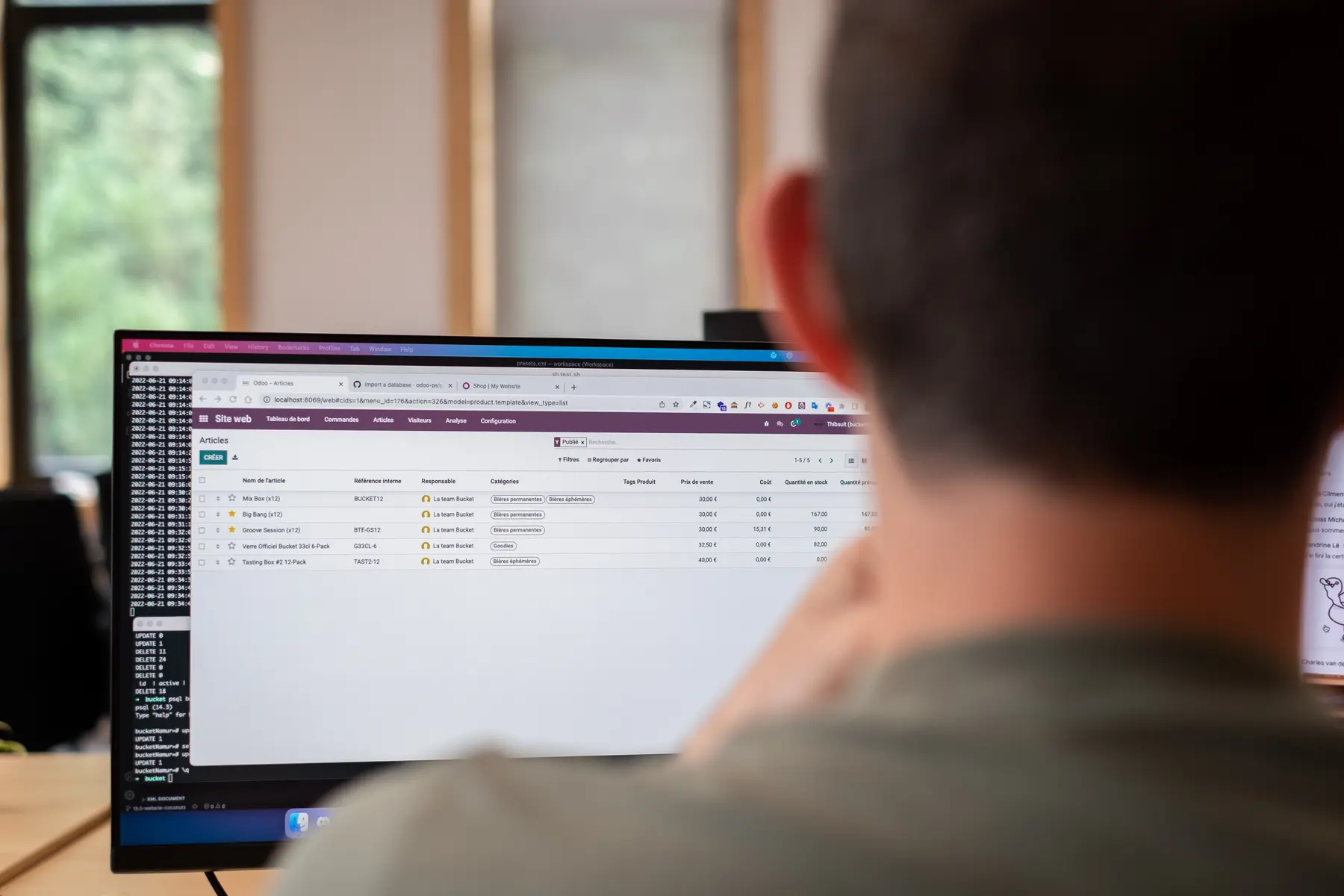
Create and populate a database

Based on the exercices defined previously, create a virtual company for your course use-case. Add products, clients, vendors,... Every piece of data your students need to take on the challenge.
3

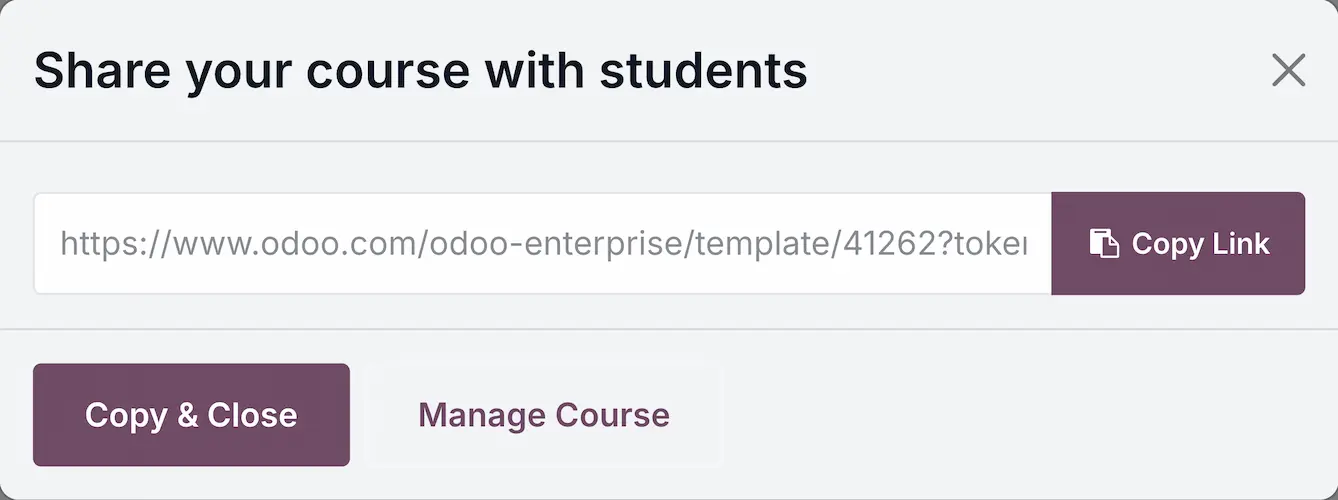
Publish and share

Once your virtual company's database is ready, you can publish it on the Public Course platform. Simply add extra information and context about your database. Then, share the course with your students, privately or publicly.
4

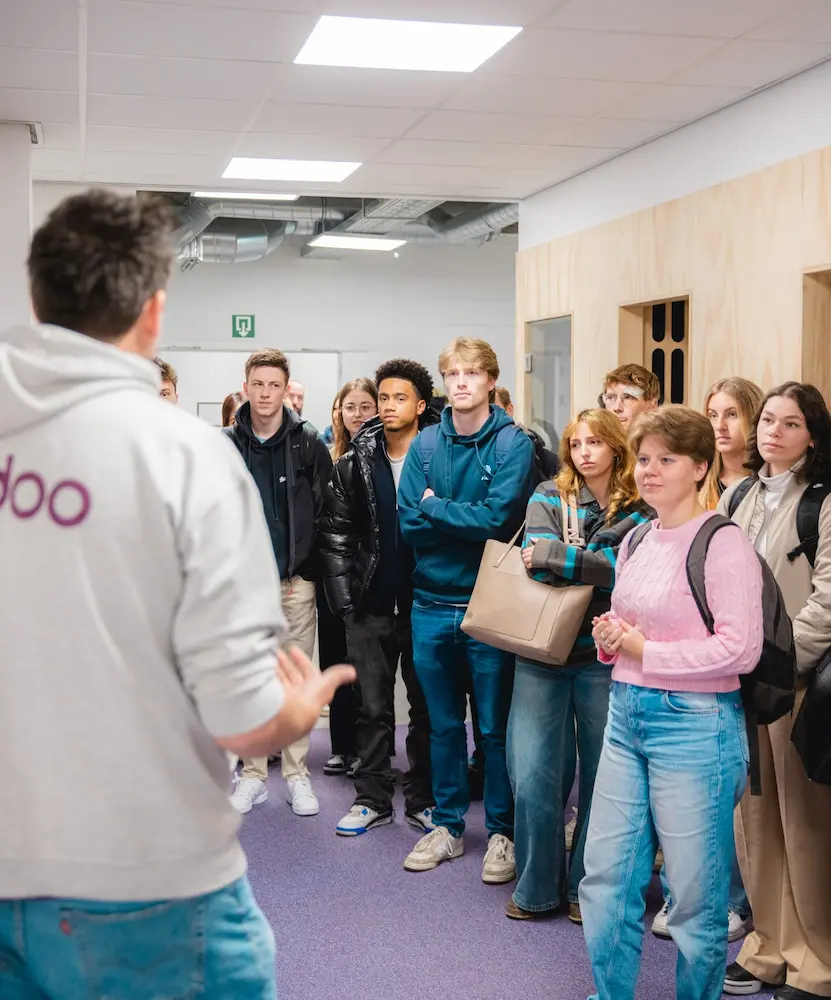
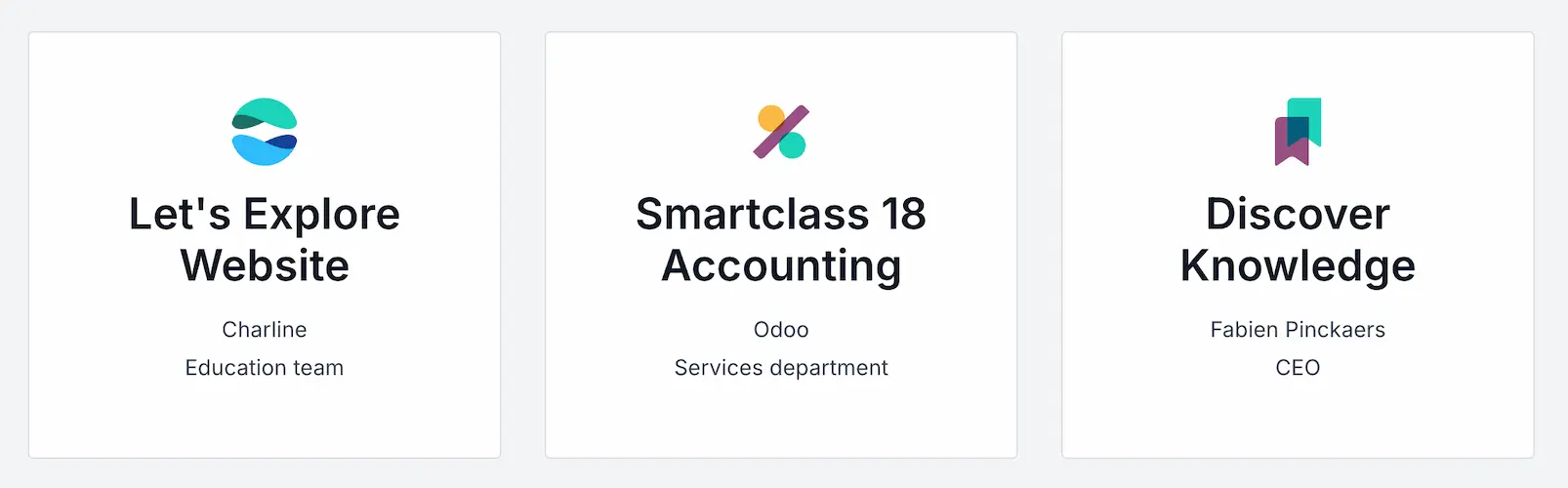
Teach it to your students

From the public courses platform, or from the sharing link, students can duplicate your template in order to have a database of their own, with the data you set.

Get started!

It's free.

Create a database View public courses

ट्यूटोरियल्स

Hey Teachers!

Find answers to the most frequently asked questions by teachers! Whether you're already using Odoo in the classroom or considering starting, these videos will provide valuable insights and practical tips.


Prepare your students for their future

Bridge the gap between learning and business world

Build a course Meet an expert

They've built a course

Fabienne Bauduin

EPHEC, Belgium

The educational databases (Odoo Online 24 months) enable us to achieve all our pedagogical objectives, while at the same time being a tool that students take to rather easily, and the interface is very user-friendly.


Any question?

  • Practical
  • टेक्निकल
  • मिल-जुलकर करें सारे टास्क

Nothing at all, it's free! However, don't forget to name your database "edu-" followed by the name you want (e.g. "edu-management") to benefit from free access for 24 months. In addition, each database must have a unique name. Please note that it's important to connect at least once every 3 months to prevent the database from being deactivated.

No, after 24 months, the database is deactivated and cannot be duplicated. Before your database is deactivated, we recommend that you export your data (customers, products, suppliers, etc.). In our "Hey Teachers" videos, we explain how to do so.

No. You get 24 months access to the version of Odoo used to create your database.

This message appears because there are too many simultaneous connections on the same IP address. The server thinks it's being attacked and blocks access to the databases.

Please wait a few hours before reconnecting. Contact us via our contact form (mention that you're a teacher) or our support team, so that we can indicate that the school's IP address is trustworthy.

Yes! You can either import personal data in .excel or .csv format (full explanation here: Export and import data — Odoo 17.0 documentation), or download demo data. To do this, go to the settings of your database, click on "Enable developer mode", then go back to the settings and click on "Install demo data". Please note that this action cannot be reversed. Explanation in our online Webinar

No. The educational database is an Enterprise edition that can be used online. To use Odoo offline, you need to use the Community edition, to be installed on your computer.

Yes! To share your database with your pupils/students, you need to go to your personal profile listing all your databases (www.odoo.com > "My Databases"). Click on "Share course" to obtain a link to send to your pupils/students, which will enable them to duplicate your database. More details in our Webinar.

Yes! If your students have duplicated your database, you can access it in your personal profile listing all your databases (www.odoo.com > "My Databases"). The databases of your pupils/students appear under your database, and you can then simply click on "Connect" to access them.

Yes! We've created a sharing platform where teachers can share their database with their students and/or other teachers. All published databases can be found here: https://www.odoo.com/odoo-enterprise/template

It's easy! Just go to your personal profile with all your databases (www.odoo.com > "My Databases") and click on "Share Course" > "Manage Course" > "Edit". You'll find a form to complete, and can choose to publish your database with your pupils/students, other teachers, or both.

Continue your educational journey

You are here

Build a course

ई-लर्निंग

Watch our online tutorial and gain in-depth knowledge of Odoo's features.

ज़्यादा जानें

दस्तावेज़

Find all the answers to you questions. Odoo won't have any secrets for you anymore.

ज़्यादा जानें

Go back to the Education Program
कम्यूनिटी
  • ट्यूटोरियल्स
  • दस्तावेज़
  • फ़ोरम
ओपन सोर्स
  • डाउनलोड
  • Github
  • रनबॉट
  • अनुवाद
सेवाएं
  • Odoo.sh Hosting
  • सहायता
  • अपग्रेड
  • कस्टम डेवलपमेंट्स
  • शिक्षा
  • अकाउंटेंट खोजें
  • पार्टनर ढूंढें
  • पार्टनर बनें
हमारे बारे में
  • हमारी कंपनी
  • ब्रांड ऐसेट
  • संपर्क करें
  • नौकरियां
  • इवेंट
  • पॉडकास्ट
  • ब्लॉग
  • ग्राहक
  • लीगल • गोपनीयता
  • सुरक्षा
الْعَرَبيّة Català 简体中文 繁體中文 (台灣) Čeština Dansk Nederlands English Suomi Français Deutsch हिंदी Bahasa Indonesia Italiano 日本語 한국어 (KR) Lietuvių kalba Język polski Português (BR) română русский язык Slovenský jazyk slovenščina Español (América Latina) Español ภาษาไทย Türkçe українська Tiếng Việt

Odoo, बिज़नेस से जुड़े ऐप्लिकेशन का एक कलेक्शन है जो ओपन सोर्स पर आधारित है. इसमें आपकी कंपनी की हर ज़रूरत के लिए ऐप्लिकेशन हैं. जैसे, सीआरएम, ई-कॉमर्स, अकाउंटिंग, इन्वेंट्री, पॉइंट ऑफ़ सेल, प्रोजेक्ट मैनेजमेंट वगैरह.

Odoo की सबसे बड़ी खासियत है कि यह इस्तेमाल करने में बहुत आसान है और यह पूरी तरह से इंटिग्रेट किया हुआ है.

Website made with

Odoo Experience on YouTube

1. Use the live chat to ask your questions.
2. The operator answers within a few minutes.

Live support on Youtube
Watch now