
Is there a way to see the changes and modifications in each task from a specific screen instead of having to go into each task one by one?


Odoo is the world's easiest all-in-one management software.
It includes hundreds of business apps:

Is there a way to see the changes and modifications in each task from a specific screen instead of having to go into each task one by one?

Have you looked at the Activity Overview:
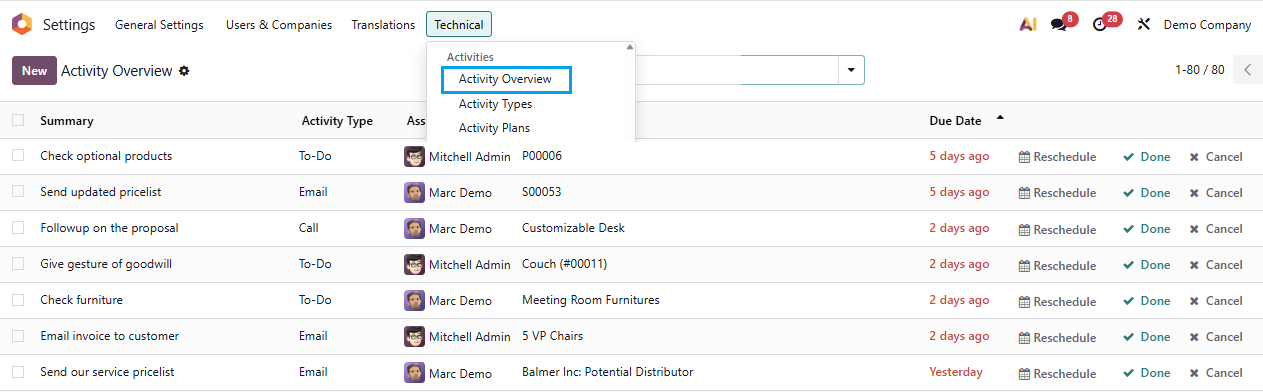
or Tracking Values:
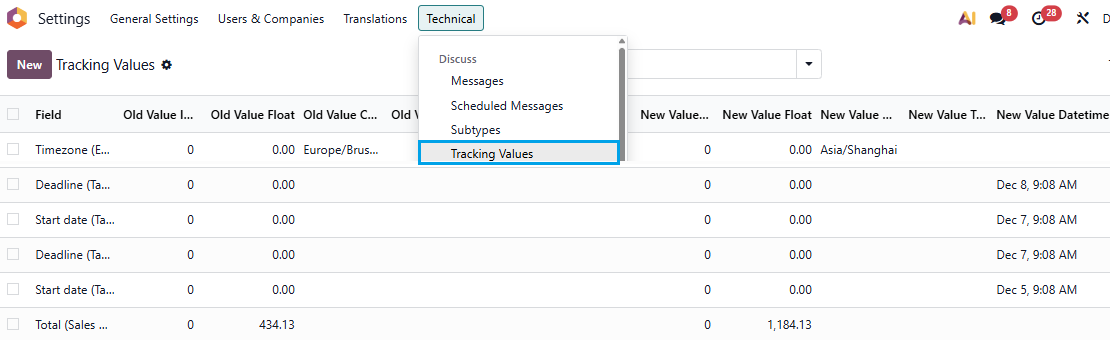

it is not accessible by default... but if you really want to see them, you can activate the debug mode, go to the technical menu, click on the models sub-menu in database structure section, once in there, search for the "mail.message" model (it encompasses all the messages on the chatters), then you can scroll down at the bottom of the view and click on "create menu".. you can put it anywhere you want to, but just choose correctly the right parent...
Hope it can help
Create an account today to enjoy exclusive features and engage with our awesome community!
Přihlásit se| Related Posts | Odpovědi | Zobrazení | Aktivita | |
|---|---|---|---|---|


|
1
čvn 23
|
4259 | ||


|
1
lis 22
|
4707 | ||
|
Cannot create task
Vyřešeno
|


|
2
čvn 20
|
4871 | |


|
2
čvc 18
|
8443 | ||



|
4
čvc 18
|
9435 |
1. Use the live chat to ask your questions.
2. The operator answers within a few minutes.

Hello,
Please check this app developed by Rahul Rakasiya.
May be this is helpful
https://apps.odoo.com/apps/modules/19.0/rr_autopost_message_on_channel