
If you need to increase/decrease the size of the company’s logo in your report, it’s possible through adding some code in the architecture of the document layout.
Denna fråga har flaggats
1
Besvara
18651
Vyer

Context:
If you need to increase/decrease the size of the company’s logo in your report, it’s possible through adding some code in the architecture of the document layout.
Proe
1. Activate the developer mode
2. Go to Settings and then click on Edit Layout
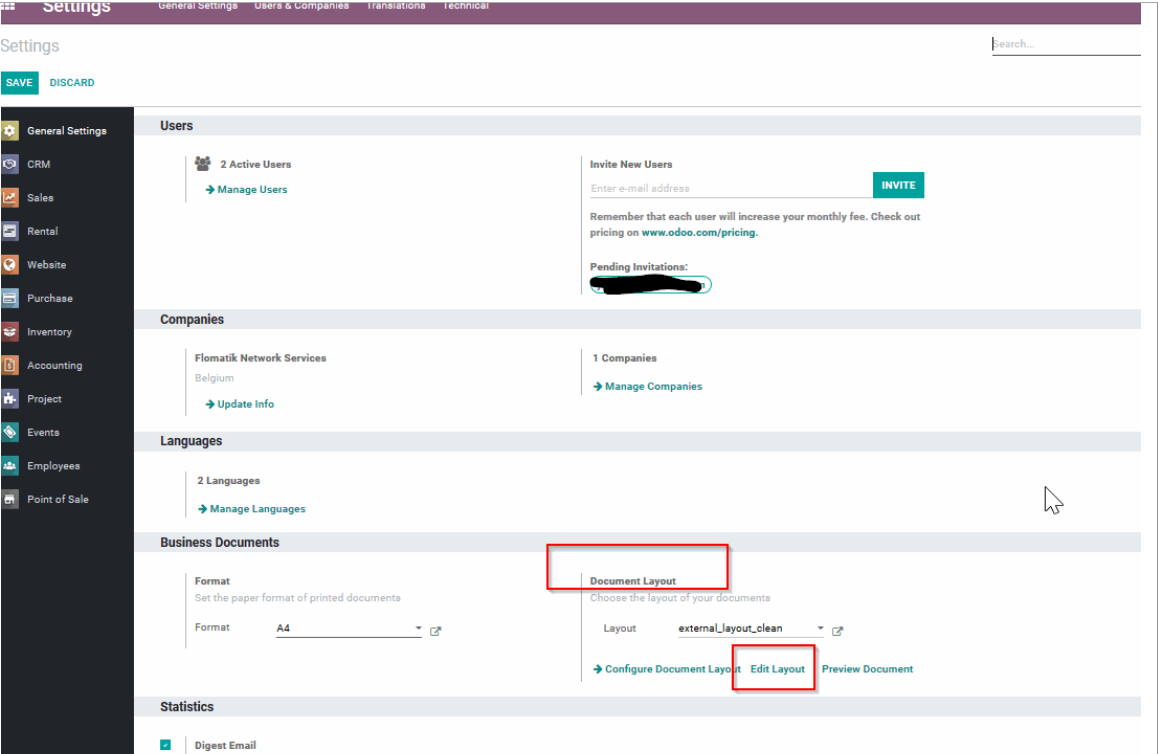
3. In the Architecture tab, add the following code [style="max-width: 200px; max-height: 150px;"], right after [
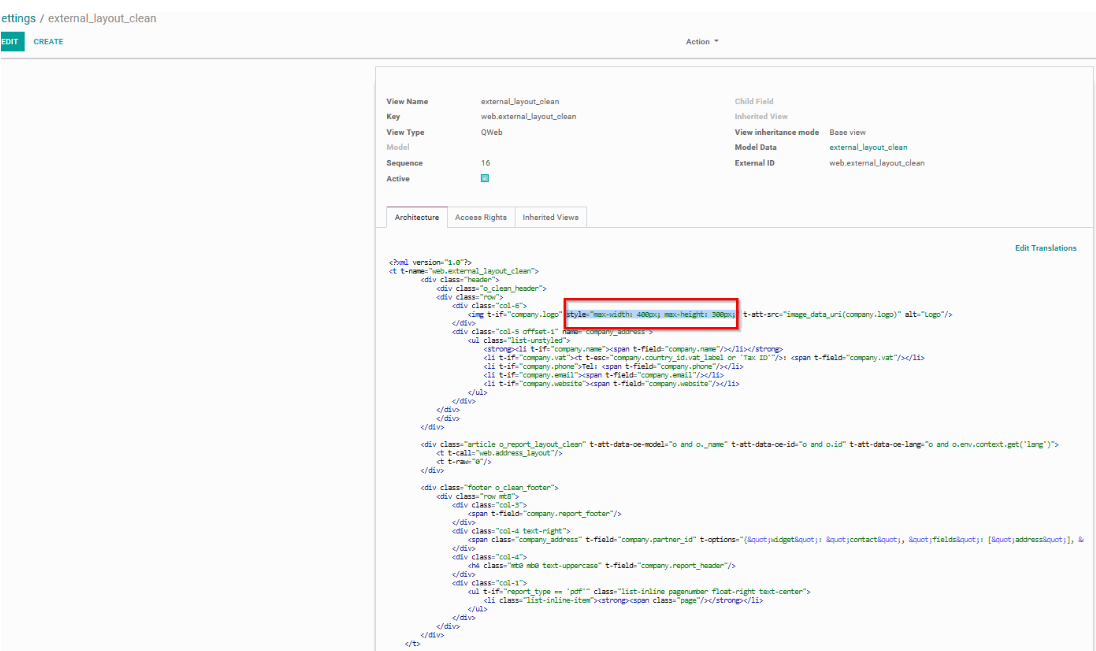
4. In order to increase/decrease the logo size, you need to manually change the value for “max-width:” and “max-height:”.
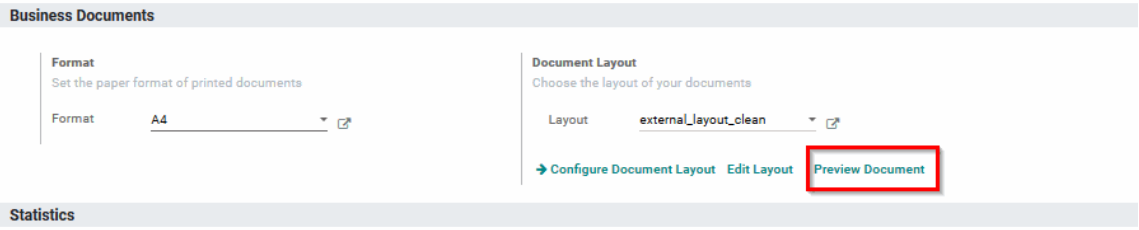
5. Test the document layout by clicking on Preview document
Njuter du av diskussionen? Läs inte bara, delta också!
Skapa ett konto idag för att ta del av exklusiva funktioner och engagera dig i vår fantastiska community!
Registrera dig| Relaterade inlägg | Svar | Vyer | Verksamhet | |
|---|---|---|---|---|

|
1
jan. 25
|
7314 | ||
|
|
1
juli 24
|
6410 | ||
|
|
1
apr. 21
|
11848 | ||
|
|
2
jan. 25
|
8032 | ||
|
|
1
juli 25
|
8003 |
