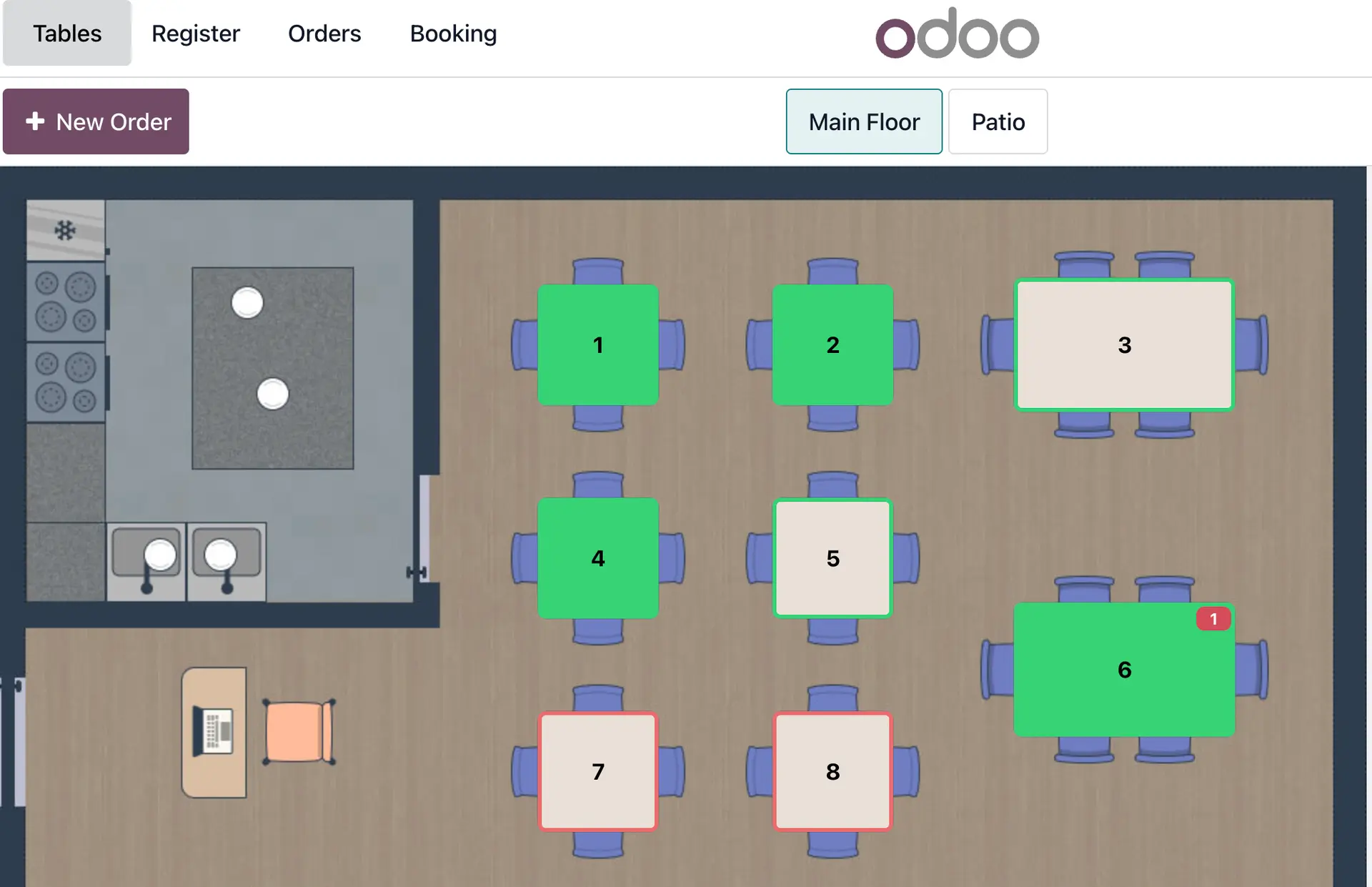
If you have a bar or restaurant and need a management software, Odoo is the ideal tool to accompany you in the process. From connecting with payment providers to setting up the restaurant layout, you can manage your business comprehensively.
When you install the Point of Sale application, all the features you need to manage your restaurant will be automatically loaded. Add the Invoicing, Inventory, and Purchasing applications to manage all areas of your business in an integrated and centralized way.
In addition, you will be able to modify the default restaurant floor plan, adapting it to your space, whether it is one room or several. This initial view allows for a complete modification of the spaces, giving you the freedom to create and number tables for more agile order management.
How to get started with Odoo?
Once you have created your database with all the relevant information about your bar or restaurant, you can start configuring it.
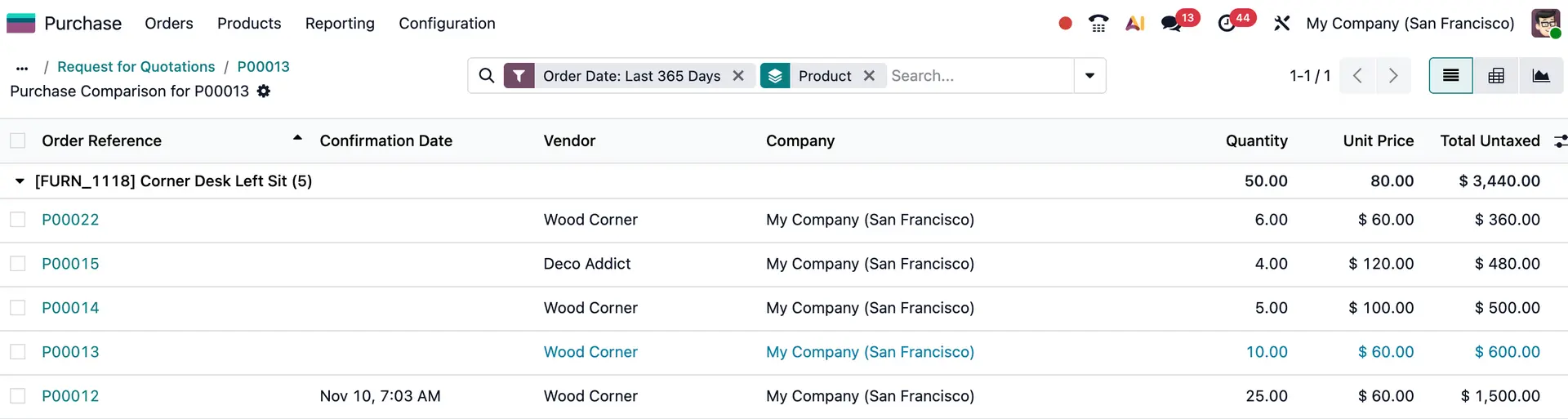
If you are starting your business from scratch with Odoo, you can register your suppliers' contact details as you acquire them. You can even use the Purchasing application to compare quotes to find out which terms are best for you. You will be able to do blanket orders by activating the option from the Settings menu.
On the other hand, if you are migrating from other software to Odoo, you can perform a bulk import of your contacts, suppliers, customers, and other data you have registered, quickly and easily transferring it to the database.
Automate management even further by creating or importing the products that each supplier brings you, assigning them, and adding the price, including discounts for quantity, date, or special offers. Every time you need to place an order, this management will be done automatically. What's more, the order will even be sent to your supplier when you are running out of your product if you configure it that way.
With this inventory management system, you can set minimum and maximum rules, so when you reach the minimum stock level you want to have, your order will be prepared. In addition, if your supplier brings you more than one product, they will all be accumulated under the same order. Simpler and faster.
Create the menu
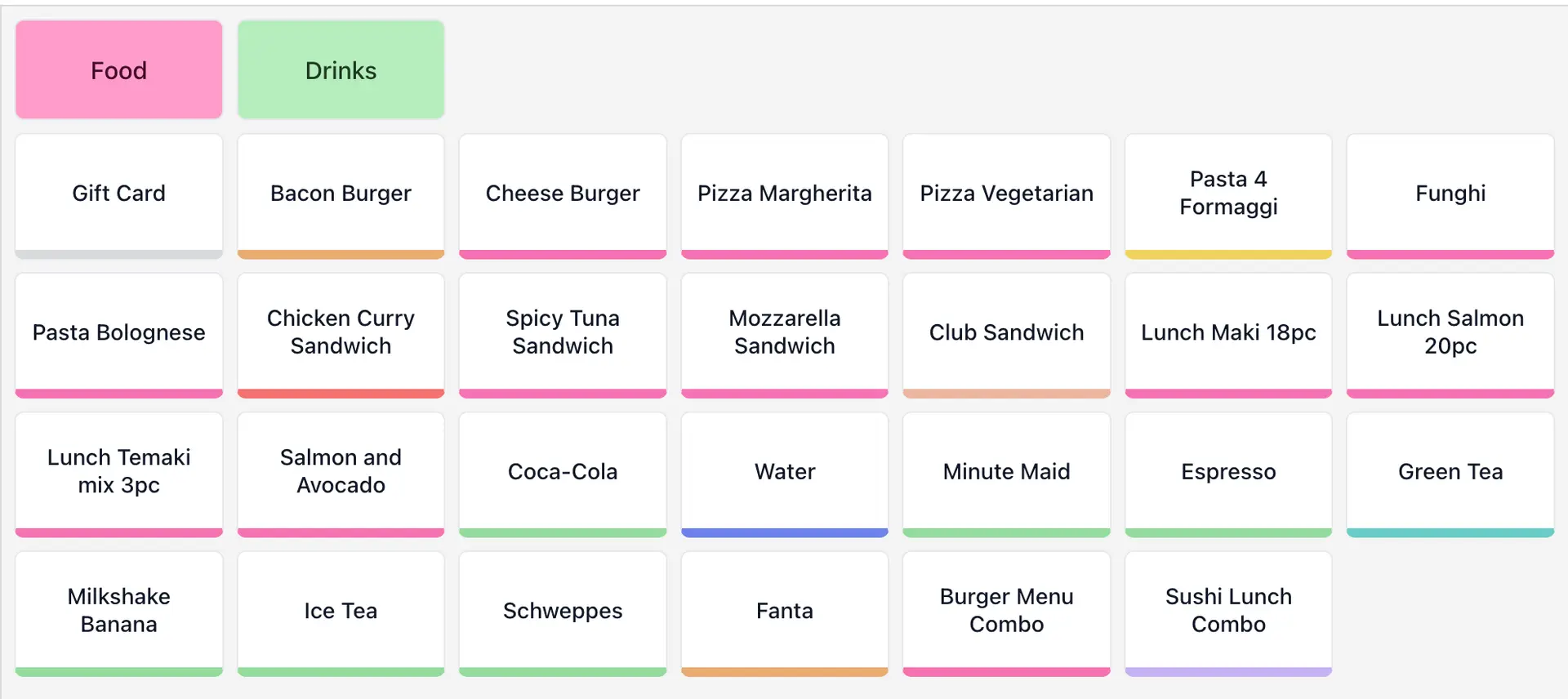
Now that we have our contacts and products set up, it's time to create our menu. Create your dishes, combinations, drinks, etc. with all the raw materials needed to make them, so Odoo will know what to deduct from your warehouse with each order.
With the settings configured in the backend, the warehouse full, and the menu ready, before we start, we need to configure the restaurant layout. This way, we can create tables, bars, rooms, terraces, etc. to take orders directly at the corresponding table.
How does the floor plan work?
When you open the Point of Sale application, the first thing you need to do is log in, which is equivalent to opening the cash register to start a shift. Once you have entered the amount in the cash register, the restaurant floor plan will be displayed. In the upper right corner, there is a drop-down menu where you can select the “Edit floor plan” option, and then you can start working on it.
At this point, there are two options: either upload an image of your premises and create the tables where they will be located, or add the tables to the blank floor plan. Not only tables, but you can also create the bar. In addition, you can create as many rooms as necessary. If there is more than one floor or different rooms or even a terrace, you can create each space.
If customers change tables during service, you can make the table change and transfer the entire order, as well as join tables, split the bill, and other features.
Now everything is ready to start using Odoo as your management software for your bar or restaurant. By registering waiters as employees, they will not need to have their own user account; they will be able to take orders without needing a paid user account.